
Eligibility Requirements for Deleting Timesheet Templates
For a timesheet template to be eligible for deletion, the following must be true:
-
There are no timesheets with submitted data connected to the template.
-
If any timesheets have been submitted, they must be permanently deleted before the Delete button will appear.
For a refresher on how to permanently delete individual timesheets, review this article.
Delete a Timesheet Template
CAUTION: Deleting a template is a permanent, irreversible action.
Once there are no timesheets with submitted data connected to the template, you may delete the timesheet template by:
- On the left, in your Mission Control, click Timesheets.
- On the right, click Create & manage timesheet templates.
- At the bottom, select the template that you would like to delete.
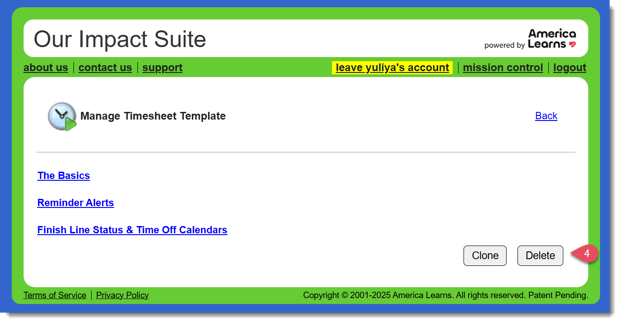
- At the bottom right of the page, click the Delete button.
- If there are any reporters assigned to the template, you will get a pop-up message like this:
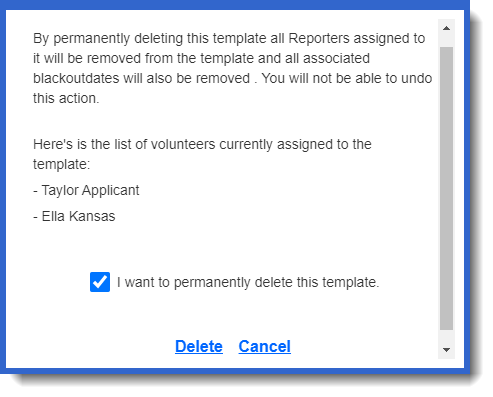
You will need to confirm that you would like to continue with the deletion by checking the box and clicking Delete.