
Back to Checklist: YSC: Participant
Back to Checklist: YSC Grantee
Correcting Errors Found with Excel File (Before Import)
File contains multiple worksheets
- If you receive this error message, the Excel workbook you've uploaded has more than one worksheet.
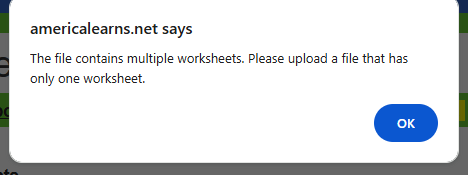
To fix this, open the Excel worksheet and delete all extra worksheets.
HINT: Did you delete the 'Delete Me' worksheet before uploading? Like this: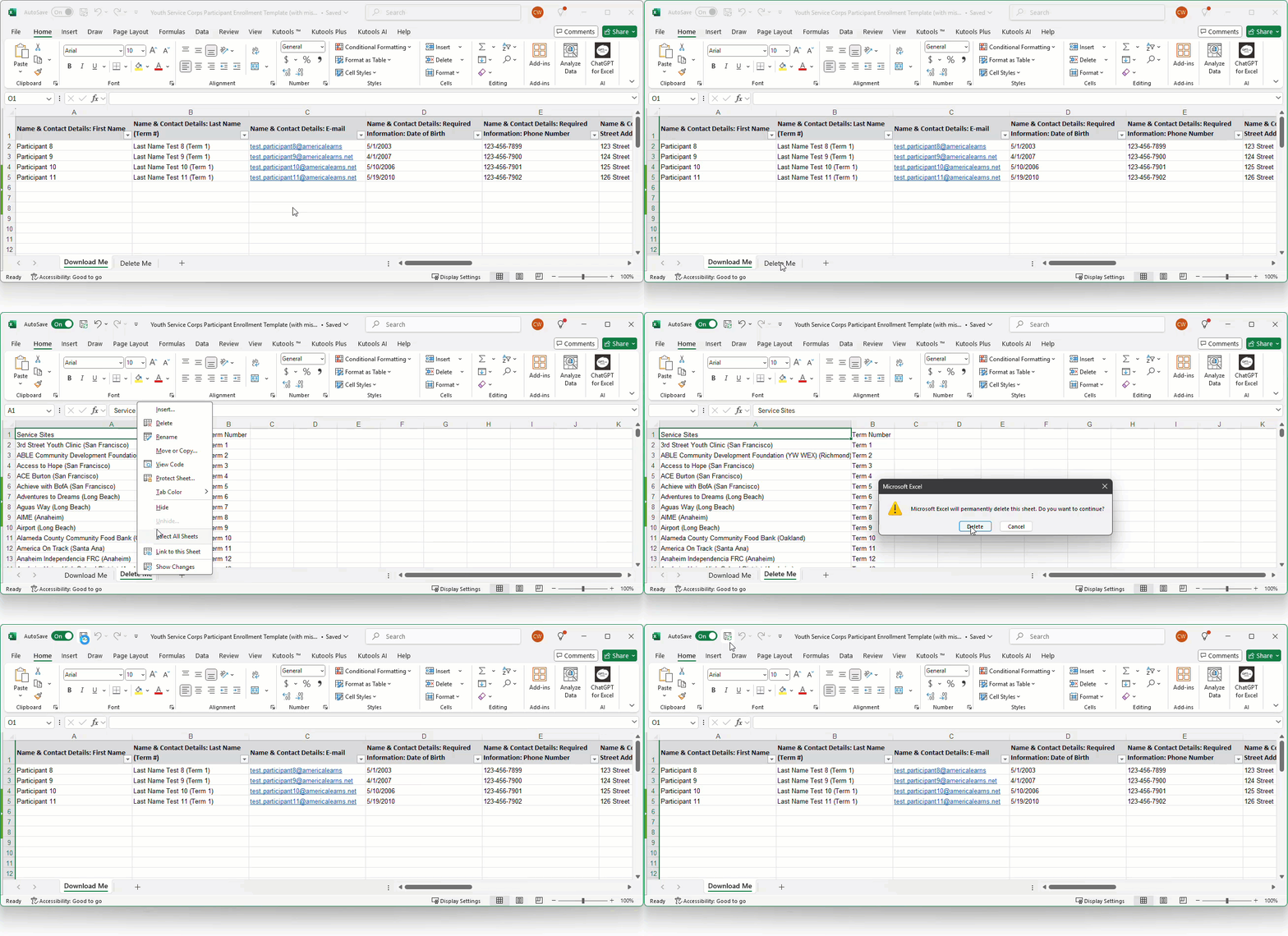
File contains blank headers in Row 1
- If you receive this error message, the Excel file has hidden data in Row 1.
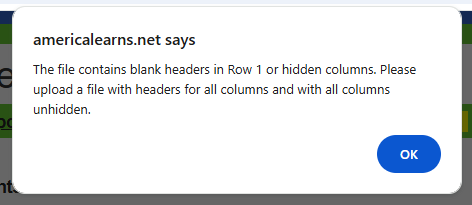
To fix this, open the Excel worksheet and place a 'filter' on Row 1. Then delete all of the 'blank' columns where the a filter is present. Like this: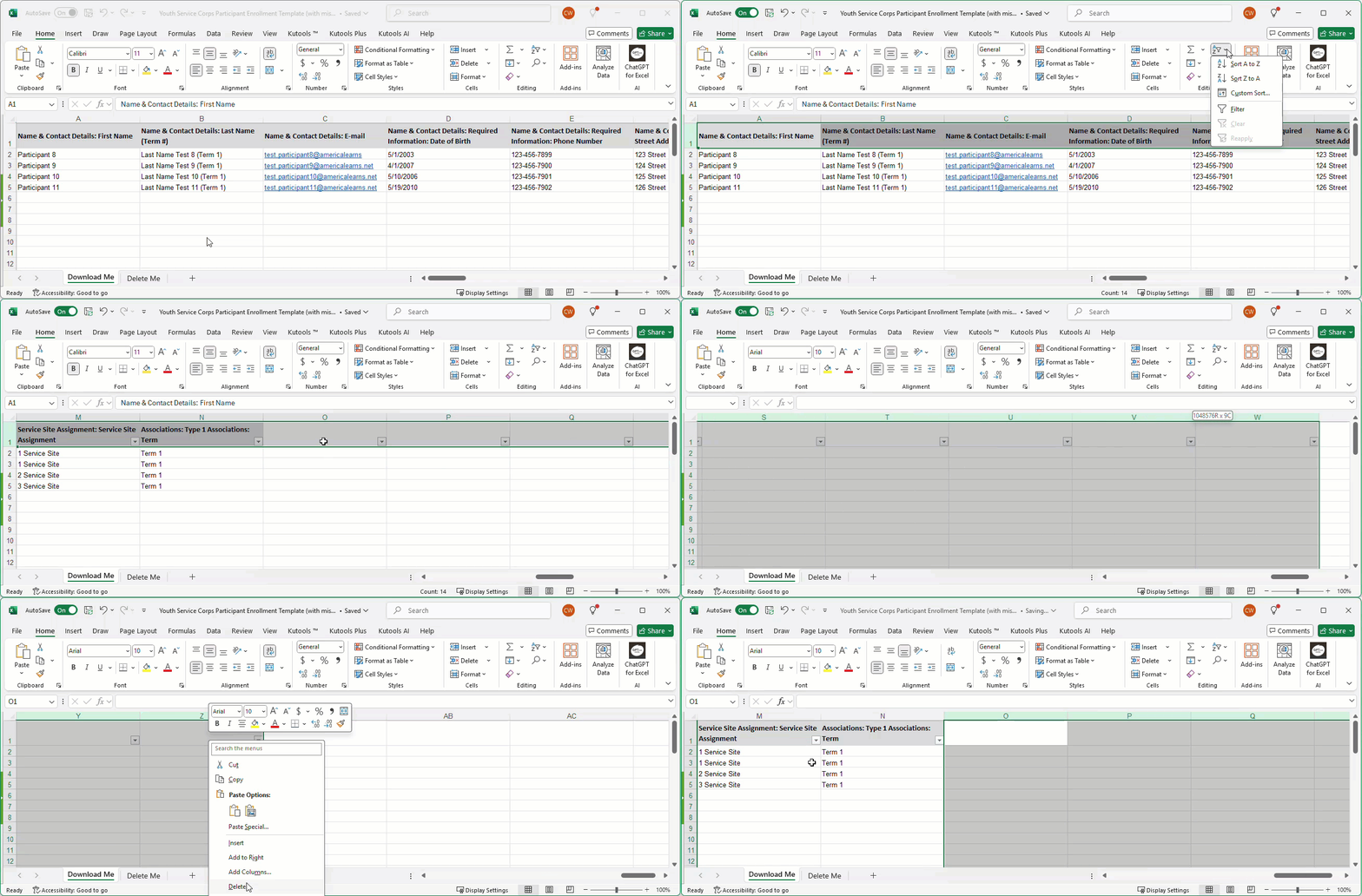
Correcting Errors Found with Excel File (After Import)
After uploading your Excel sheet and mapping your fields, if errors are found on the Excel sheet, you’ll get a detailed list of issues and the option to download the file you uploaded with the errors highlighted in red for quick correction.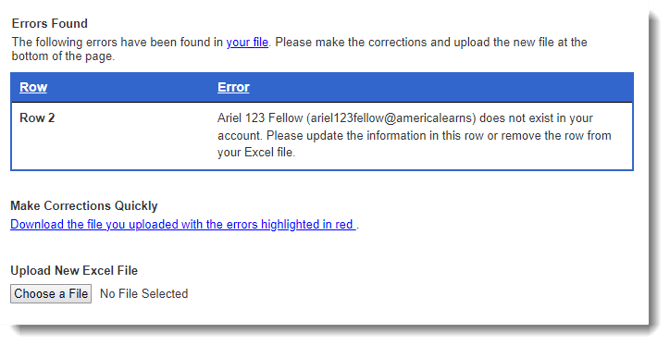 Here’s what the file will look like, with errors highlighted in red: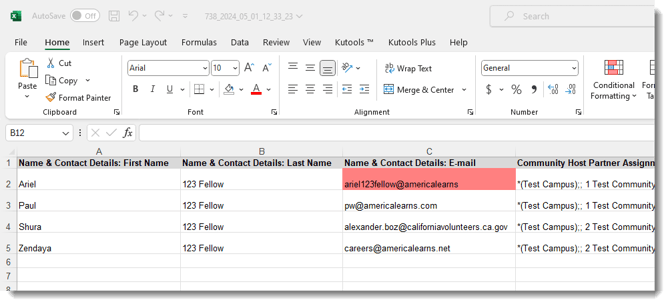
- Use this section to upload your corrected template:
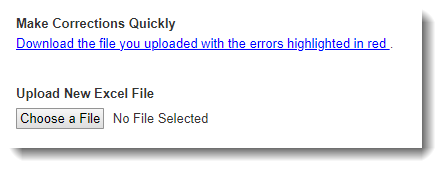
- Next, you will re-map your fields (if needed).
Common Error 1: Invalid Email Address
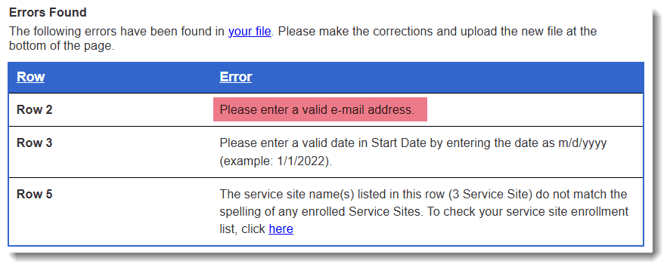 To fix this, open your Excel file and ensure that a valid email address has been entered for each Participant.
Common Error 2: Date Not Formatted Correctly
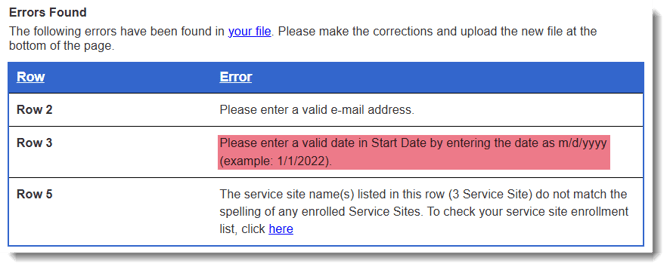 To fix this, open your Excel file and enter a valid date as m/d/yyyy (example: 1/1/2022).
Common Error 3: Service Site Not Found
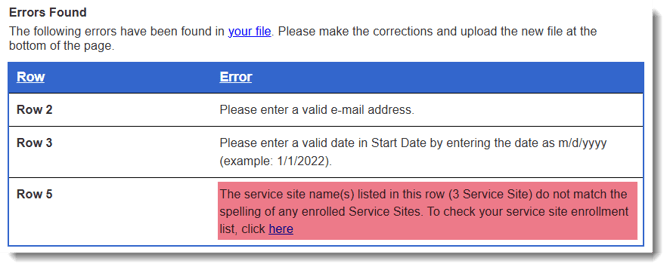 To fix this, open your Excel file. If you are confident that service site has been created, check the spelling. Spelling must be exactly as it appears in the Impact Suite.
If the service site has not been created, follow the steps found here to add it, and then try your import once more.