Whitelisting Americalearns.net in Gmail
Here's a quick review on how to make sure America Learns emails reach you if you're using Gmail.
- Login to Gmail, and click on the gear icon.
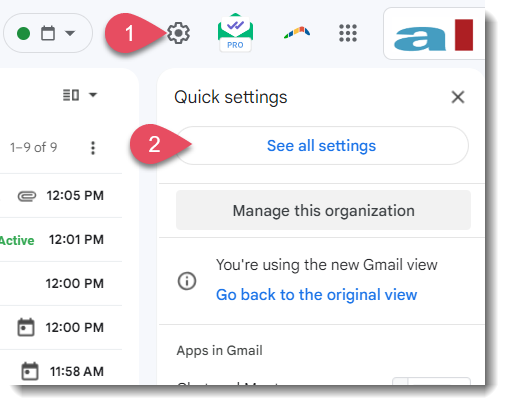
- Then select See all settings.
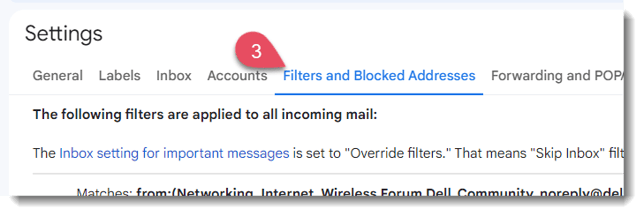
- Select Filters and Blocked Addresses.
- Scroll past all your existing filters and select Create a new filter.

- Add the domain that you want to whitelist to the "From" field and click Create filter.
Here we added @americalearns.net to make sure that we never miss an email alert or reminder from America Learns.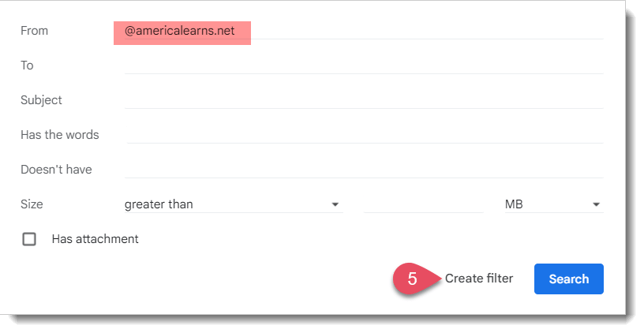
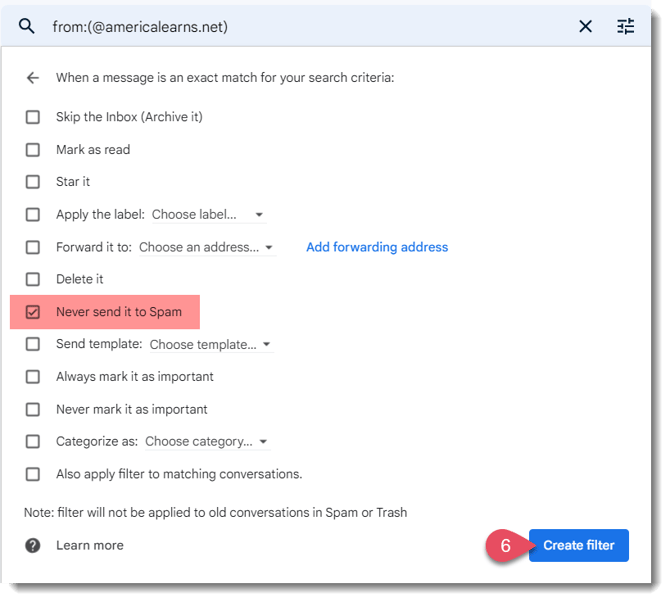
- Check the Never send to spam box and click Create Filter. The domain will now be whitelisted!