Question Management: Creating a New View
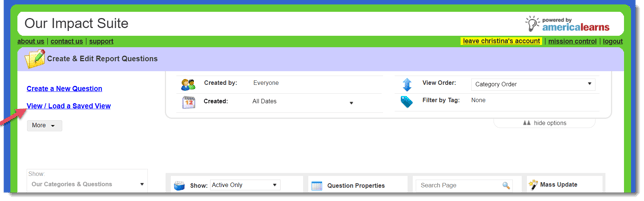
Save and load views so that you can quickly pull up questions that you manage frequently. To create a new view, in your question management area:
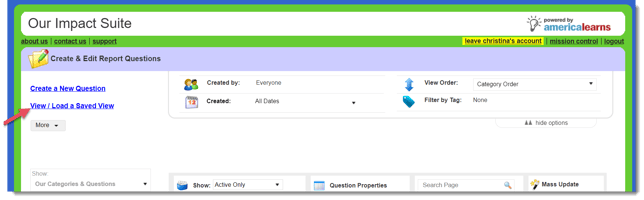
- Click the link on the upper left-hand side to View/Load a Saved View.
- This window will open:
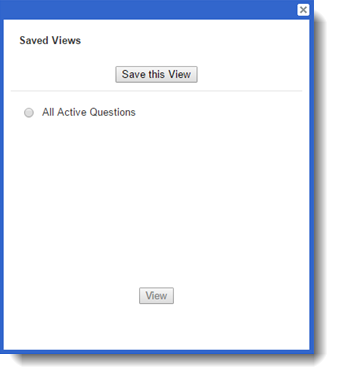
- Click Save this View.
- A text field will appear. Enter a name for your new view:
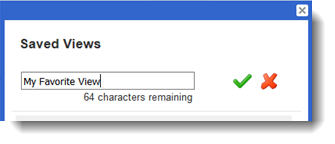
- Click the green checkmark to create the new view.
Question Management: Retrieving a Saved View
To retrieve (or delete) a previously-created view:
- In your question management area, click View / Load a Saved View.
- This window will open:
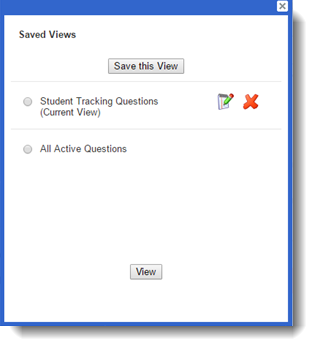
- Use the X icon to delete a view:

- Use the notepad icon to edit a view: