
Updating the Text in the Signature Area
You might decide that you want to add additional instruction or point out policy requirements in the area above the signature field on your timesheets for both reporters and supervisors, like this: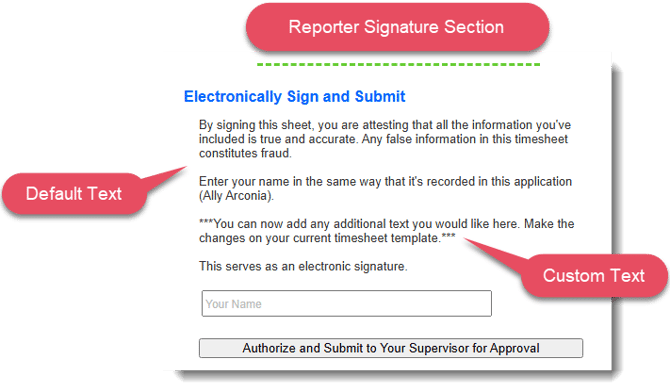
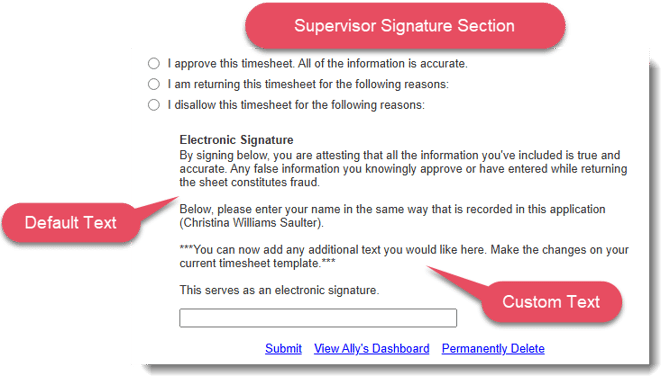
To update the text that appears above the signature area for reporters and supervisors, follow these steps:
-
On the left, in your Mission Control, click Timesheets.
-
On the right, click Create & manage timesheet templates.
-
At the bottom of the page select the template that you’d like to update.
-
Find the section of the template called Text Above the Signature Area and click For Reporters or For Supervisors and Staff.
-
Add your additional text and click Update to save your changes.