
Home Page Image
Follow these steps to update the image on your home page: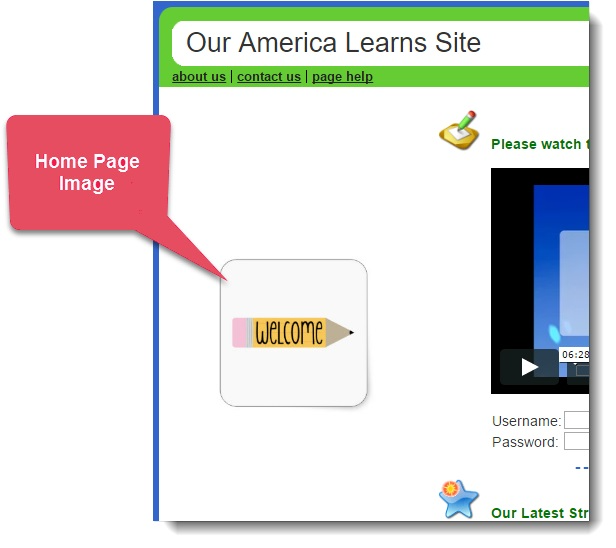
- Log into your Mission Control.
- Click Home Page & News on the left.
- Click Upload home page photo on the right.
- Select Choose File to find the photo you wish to upload to the page.
- Once you’ve selected your photo, click Upload File.
IMPORTANT: If you intend to post a picture of any individual under 18 years of age, you must first receive written permission from their parents or legal guardians. If you cannot secure written permission, please use another picture or your program’s logo.