About Us
Follow these steps to update the image on your 'About Us' link:
- Log into your Mission Control.
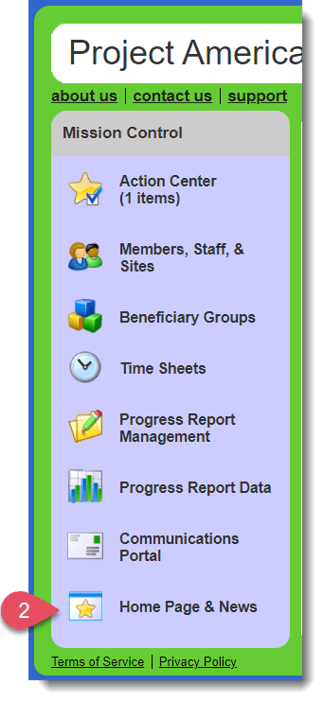
- Click Home Page & News on the left.
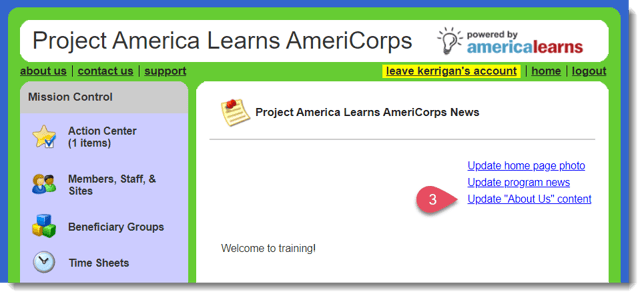
- Click Update "About Us" content on the right.
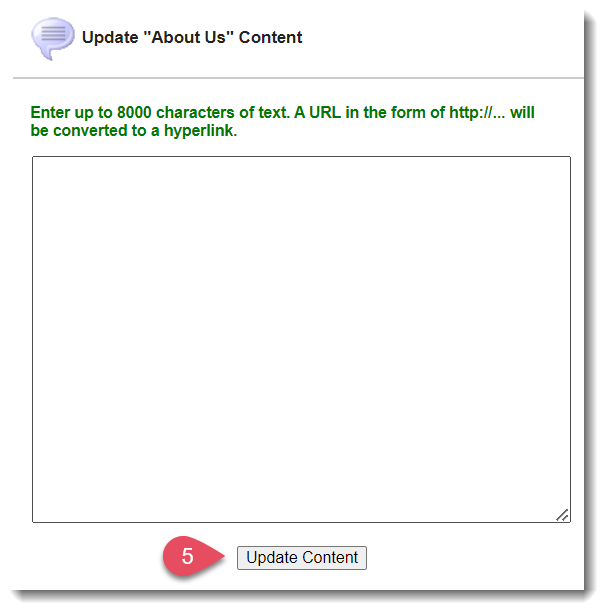
- Add any desired content.
- To save your changes, click Update Content.