
Tracking Reporters' Real-time Age
Here's how to track reporters' age in real time:
- On the left-hand side of your Mission Control, select Reporters, Admins, & Sites.
- On the right, click Manage reporter accounts.
- On the top-right, use the More menu to click Manage Fields and Profile Layouts.
- On the next page, click the Create a New Field link.
- The Create a Field window will open.
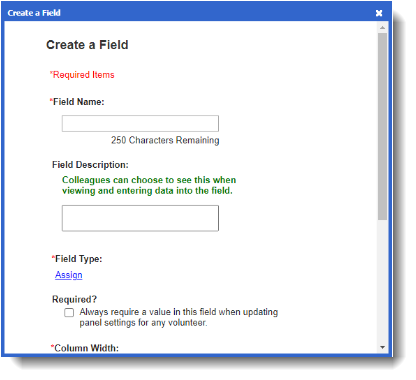
- After giving the field a name and an optional Field Description, you will choose the Field Type: Current Age (Converts birthdate to age in years).
- Complete the Create a New Field window and click Create.
You can move newly-created fields to any panel or subpanel you created by dragging and dropping the field on the layout management page.