
- On the left, in your Mission Control, click Timesheets.
- On the right, select Create & manage timesheet templates.
- Open The Basics section
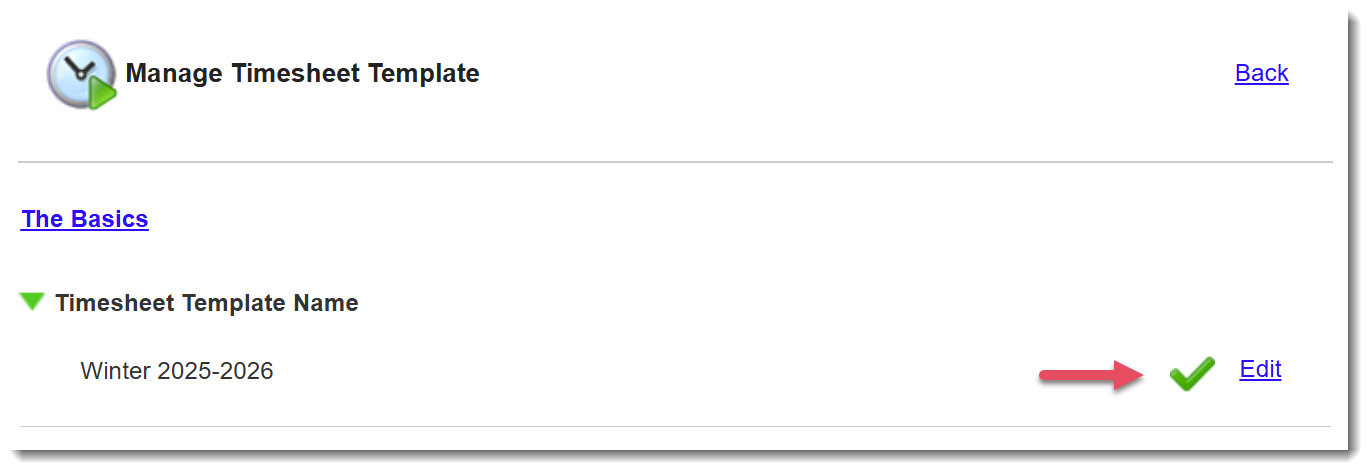
- You can change the name of your Timesheet Template any time by selecting the Edit button next to the Timeseheet Template Name section.
- Click Save
TIP: Generally, it's best to name your template according to the program year the template will cover (e.g., Program Year 2025-26)
If you intend to use two or more templates for a single program year, then also include the name of the program that will be linked to that template (e.g., 2026-27 (Program Name)).