
- On the left, in your Mission Control, click Timesheets.
- On the right, click Create & manage timesheet templates.
- At the bottom, select the template that you’d like to update.
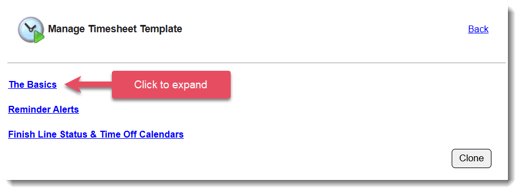
- Expand the section of the template called The Basics.
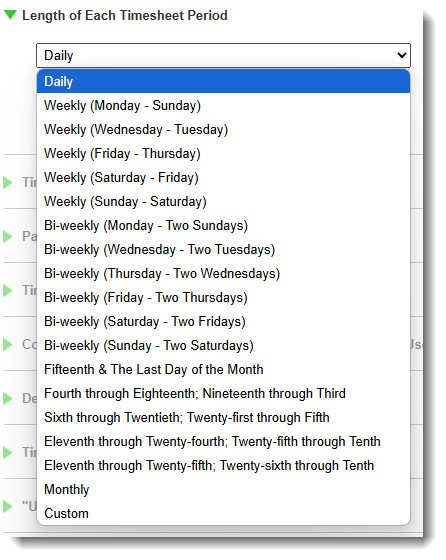
- You have control over how often reporters will be asked to submit their timesheets. Select one of the many options listed. If you don’t see the one you need, select the Custom option.
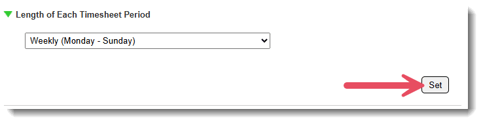
- Click Set.
NOTE: You can change this timesheet template setting at any time. The timesheet period length update will take effect once the next period launches.