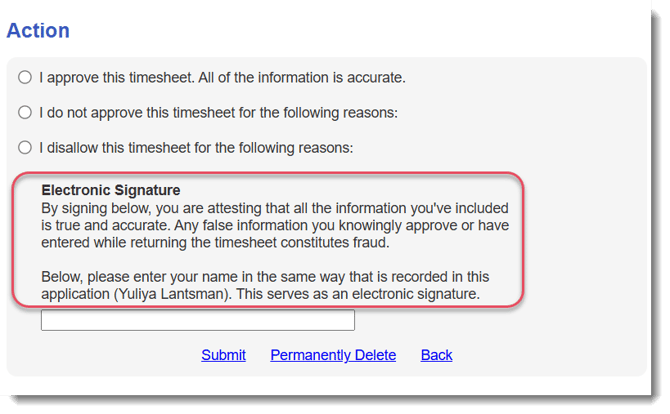
This section of the Timesheet Template determines the text that reporters and timesheet signers see when they sign timesheets.
To update the text, follow these steps:
- On the left, in your Mission Control, click Timesheets.
- On the right, click Create & manage timesheet templates.
- Select the template that you’d like to edit.
- Expand the section of the template called The Basics.
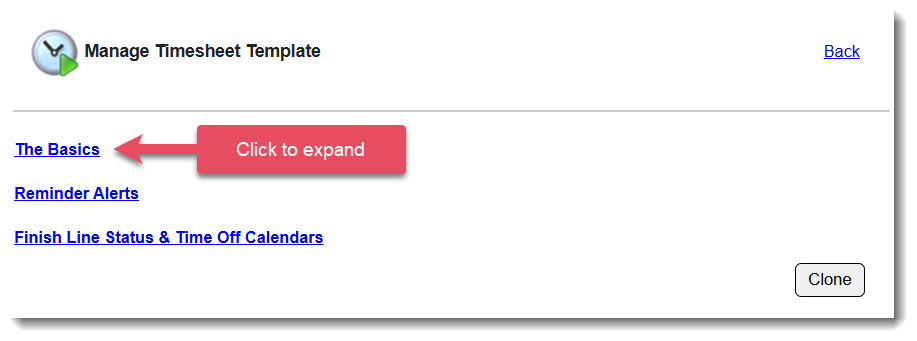
- In the section Text Above the Signature Area, click Edit.
- To make edits, click on the hyperlink for each respective group and adjust their signature prompt in the box that appears:
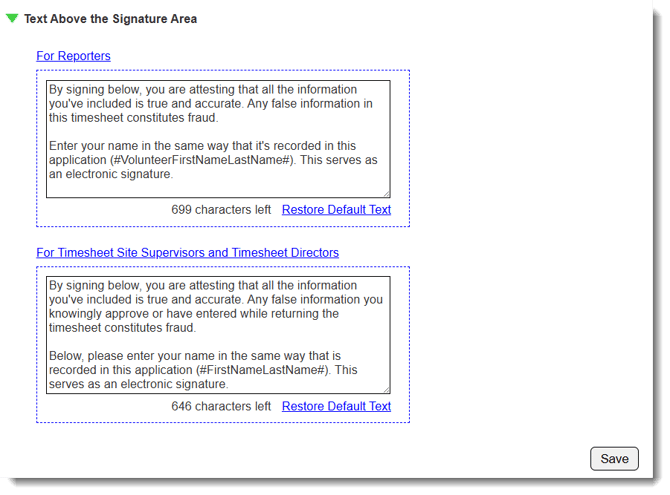
NOTE: You can update these settings at any time, and your changes will take effect immediately.
Reporter Timesheet View
This is how this text appears on the reporter's timesheet: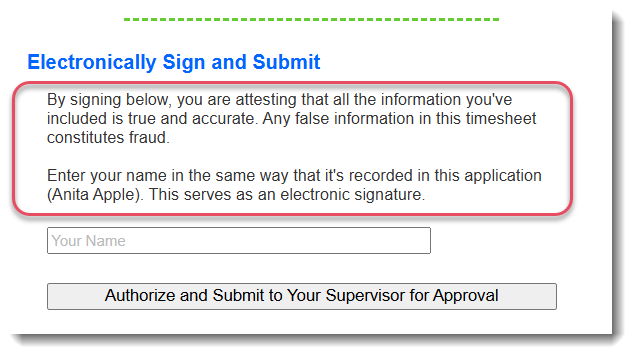
Admin Timesheet Signer View
This is how this text appears when an admin reviews the timesheet: