Turn On or Turn Off Text Message Reminders (Any time!)
Once you're logged in, you can turn text messaging on or off at any time.
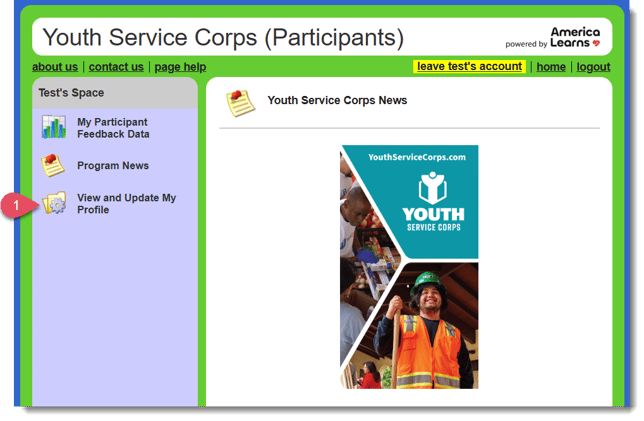
- If your Profile doesn't automatically load. You can find it on the left, in the navigation bar. Just click View and Update My Profile.
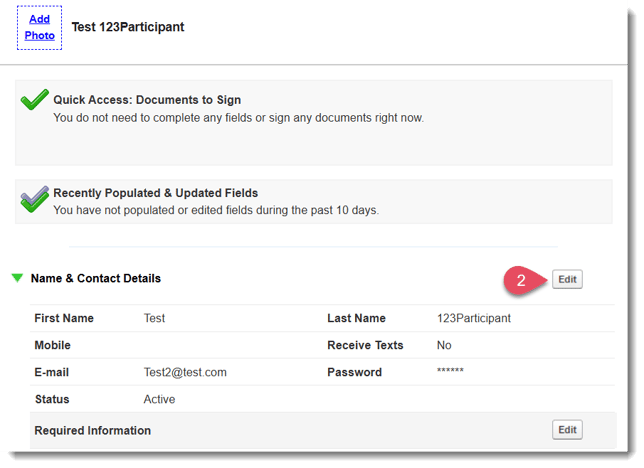
- When your profile loads, open the Name and Contact Details panel and select the Edit button.
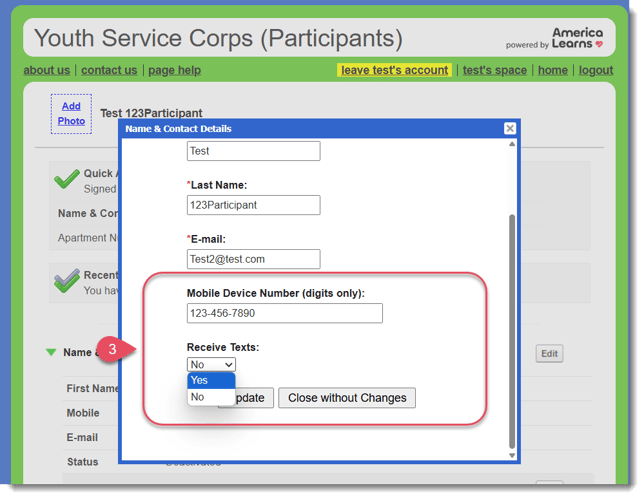
- A window will open. Find the fields called Mobile Device Number and Receive Texts and make updates as needed.
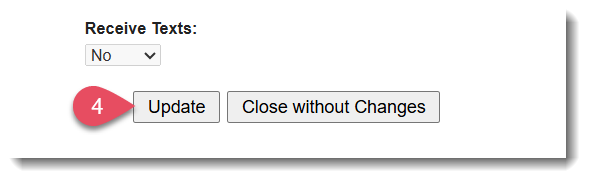
- Once finished making changes to your mobile settings, click Update.