Introduction to Topic
If you received an email with the subject "Action Required: Renew Your SignNow-Impact Suite Connection", follow the steps below in order to renew the API connection between SignNow and your Impact Suite.
Renew Your Impact Suite - SignNow Connection
- Log in to your Impact Suite
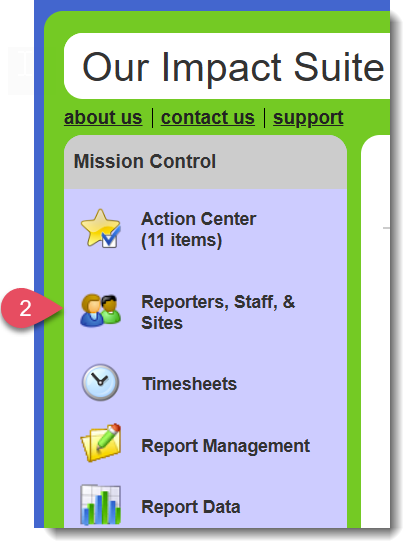
- In your Mission Control, go to Reporters, Admin, & Sites
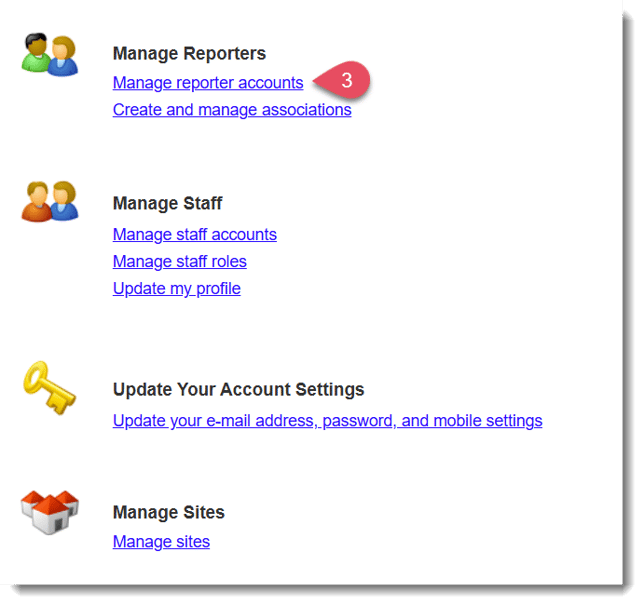
- On the next page, select Manage reporter accounts
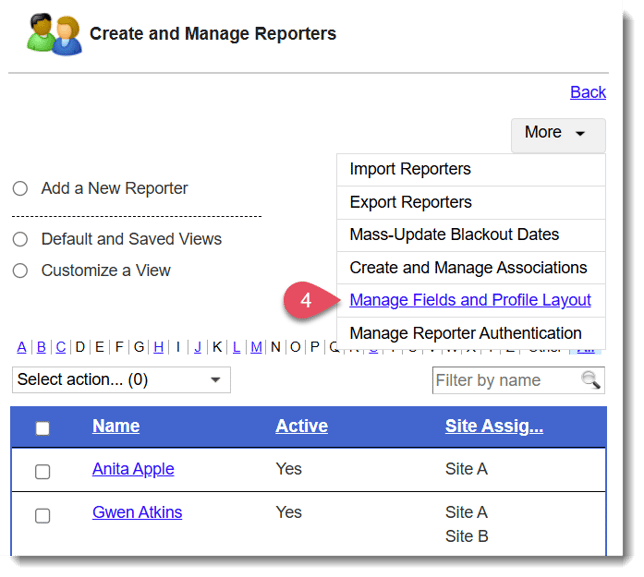
- In the More menu in the top right-hand corner, select Manage Fields and Profile Layout
- Find a document signing field in the reporter's profile that does not yet have a template assigned to it, or has the ability to host multiple document templates. Some examples of what this could look like are below:
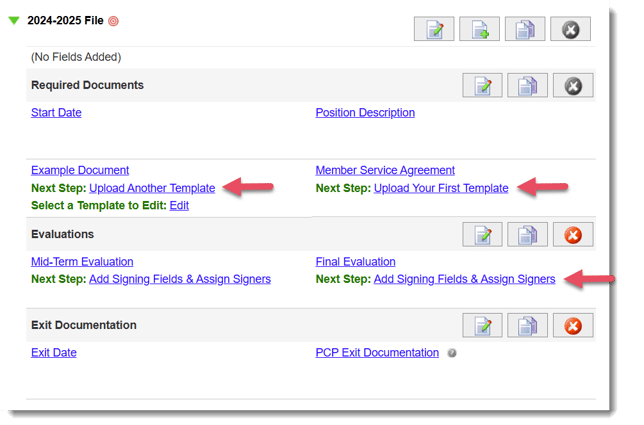
- Once you start the document signing template creation, a new window will open prompting you to log in to your SignNow account. Simply type in your password and press Log In to re-establish the API connection.
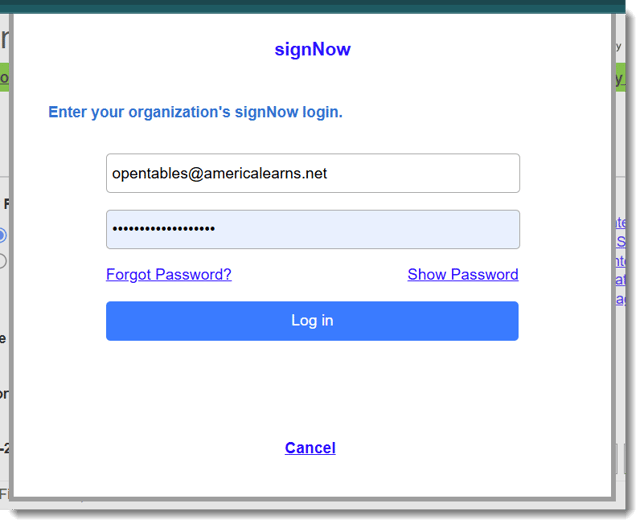
Note: If you do not remember your SignNow password or have any trouble logging in, please reach out to support@americalearns.net for help.
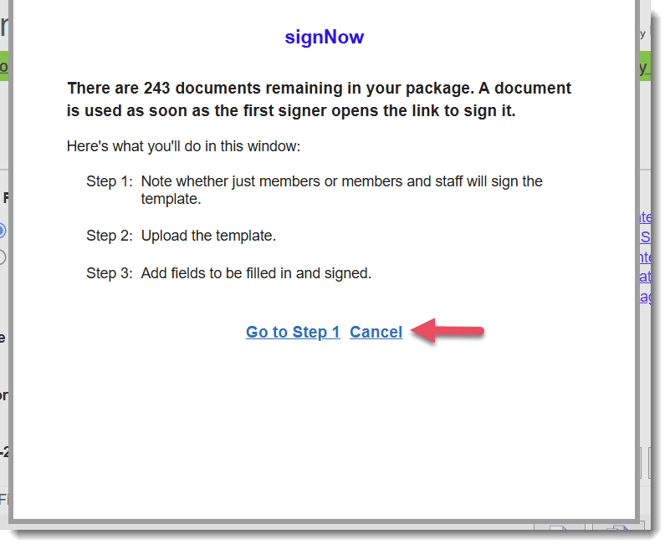
7. Once you've logged in, you'll be taken to the next step of the document signing template creation flow. You can select Cancel if you do not wish to proceed with creating a new document signing template at this time.