
In your timesheet template, you can remove the timestamp from the audit trail. This feature maintains full compliance with 2 CFR 200.430 while ensuring your program doesn't share more information than required.
Updating Your Timesheet Template
To remove the timestamp from your timesheet audit trail, follow these steps:
- On the left, in your Mission Control, click Timesheets.
- On the right, click Create & manage timesheet templates.
- Select the template that you’d like to update.
- Click to open the Section called The Basics.
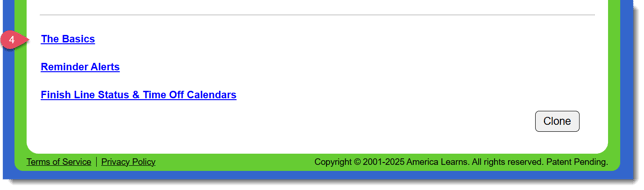
- At the bottom, find the panel labeled Audit Trail Customizations and to the right, click Edit.
- Select the radio button Include only date stamps of all activity.
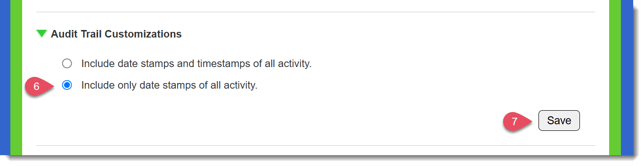
- Click Save.
NOTE: This choice will be reflected in all the places where the Audit Trail is displayed:
- Reporter's timesheet submission page and admin's timesheet screening page.
- All Timesheet Reports.
- All Timesheet PDFs (Full and Condensed Exports).