
Program News
Follow these steps to update the news box at the bottom-left hand side of your Impact Suite home page:
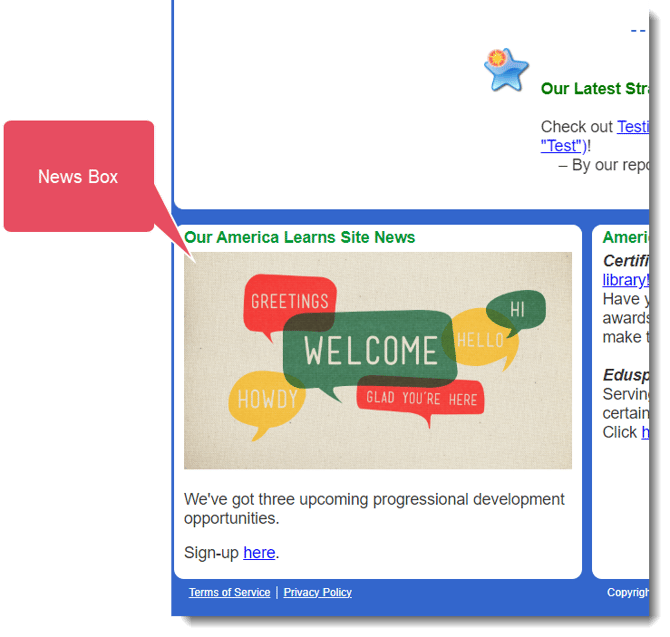
- Log into your Mission Control.
- Click Home Page & News on the left.
- Click Update program news on the right.
- Enter up to 512 characters and then select Update Content.
NOTE: If you are adding an image to your Home Page and it looks too big, try logging in to your Impact Suite using the Firefox browser. Images are editable from this browser!