
Opening and Closing panels
To control is a panel is open or closed by default, follow these steps:
- On the left, in your Mission Control, click Reporters, Admins, & Sites.
- On the right, click Manage reporter accounts.
- On the right, use the More drop-down menu and select Manage Fields and Profile Layout.
- Open the panel that you would like open or closed by default. Click the "Edit" button.
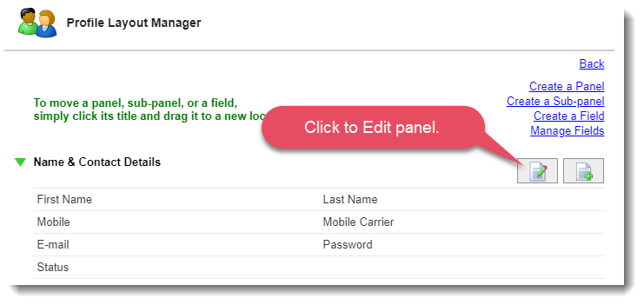
- For the question Open Panel on Page Load? choose Yes for open and No for closed.
- Click Update to save your changes.