
.png?width=205&height=42&name=Back%20to%20Checklist%20(FINAL).png)
Access Your Reports
In the Youth Service Corps (Grantees) Impact Suite, you’ll have a reporter-level account (Grantee Reporter role) to complete monthly and quarterly grant activity reports organized by funding budget year.
Each month, you'll receive an email from America Learns when it's time to complete your report.
Quarterly you'll expected to complete an additional narrative report, as well.
Just click the link in the email to log in and start your report.
Walkthrough
Completing Your Monthly Report
Follow these steps to complete your report.
- Log in to the Youth Service Corps (Grantees) Impact Suite. (Log in to the Grantee Reporter role account.)
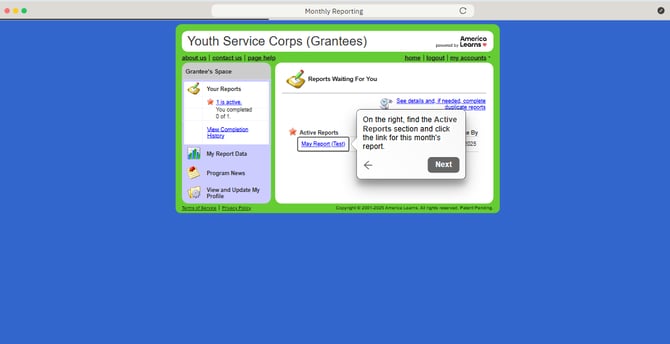
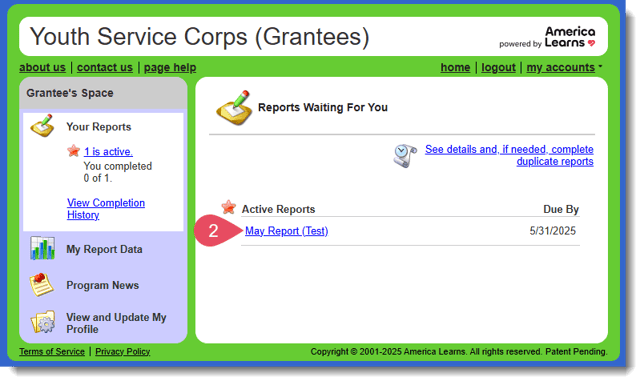
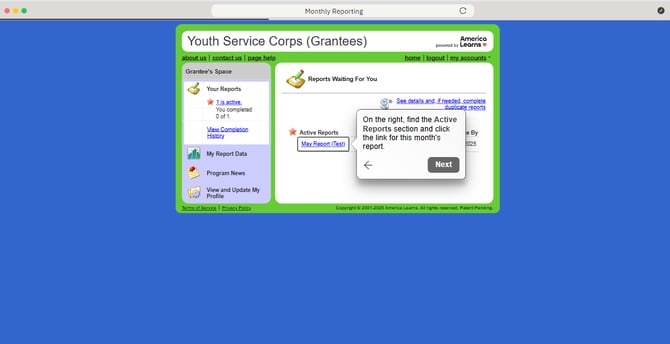
- On the right, find the Active Reports section and click the link for this month's report.
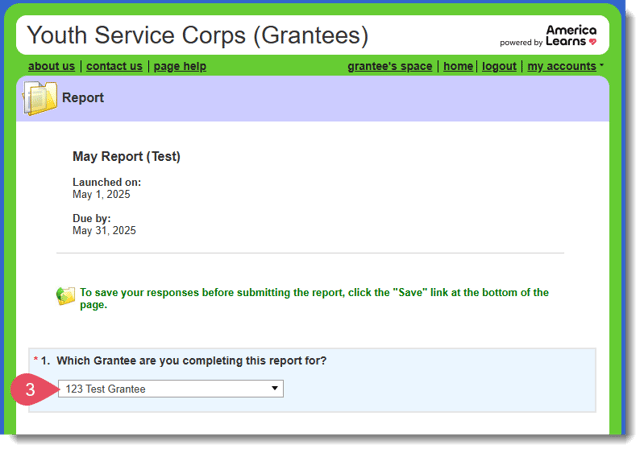
- When the report loads, select your Grantee name.
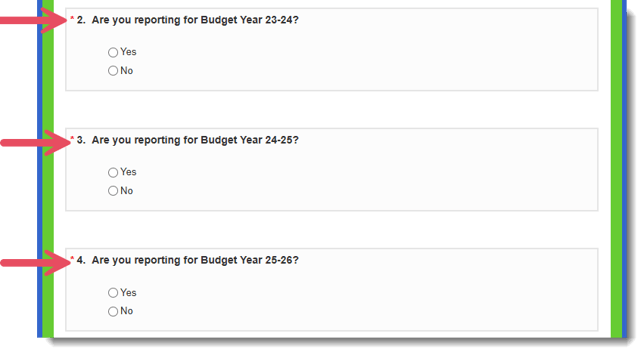
- Next, let us know which Budget Years you are reporting on. (Hint: Click 'Yes' for the years for which you have data, 'No' for any years you do not have data.)
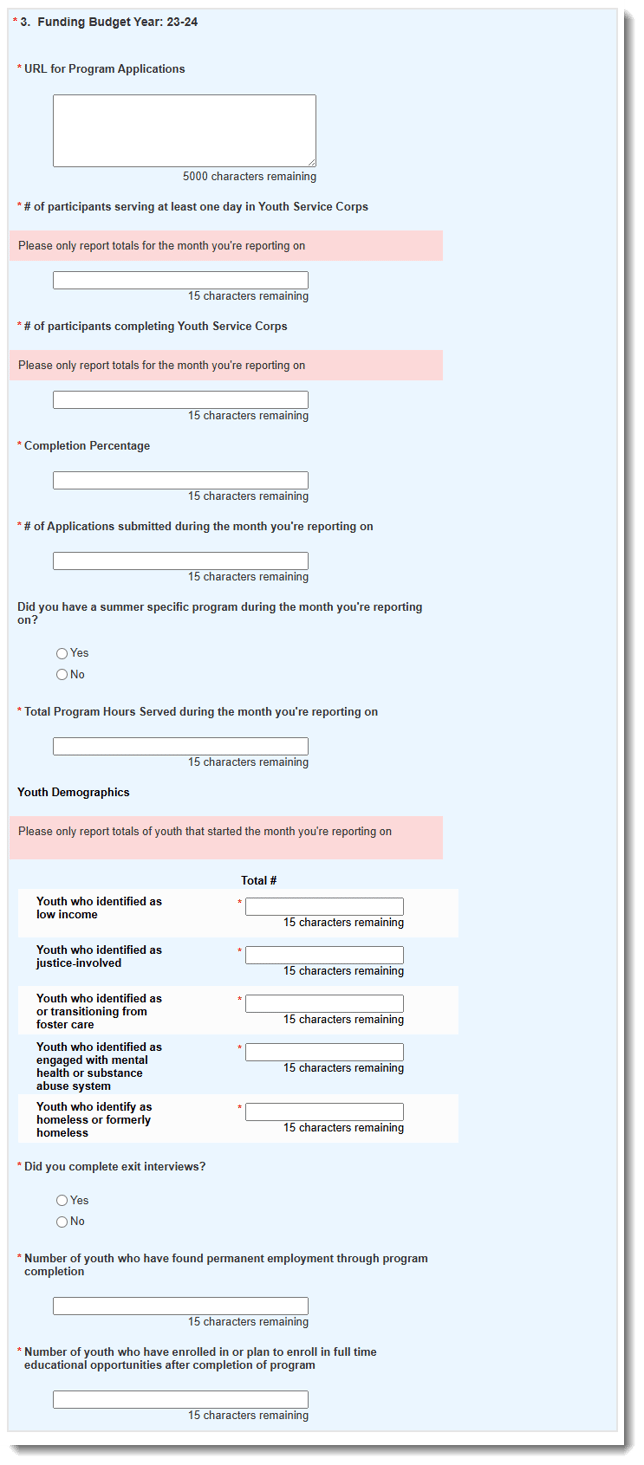
- Reply to each required question. (Note: Some questions have conditional logic applied and will need additional responses.)
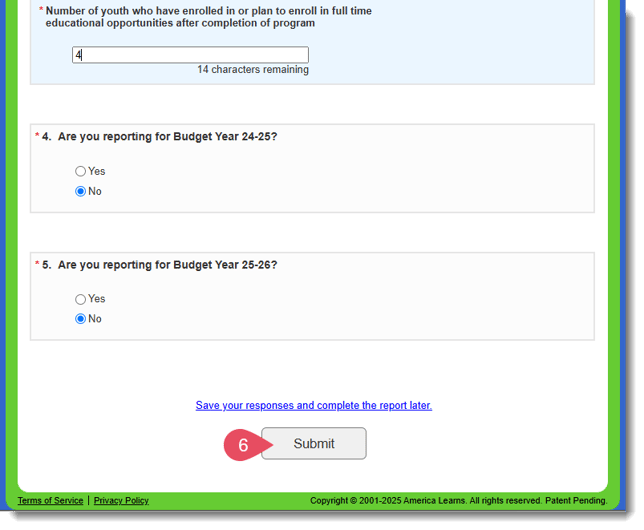
- When you have entered all required data for all relevant Budget Years, click the Submit button.
Walkthrough
Completing Your Quarterly Report
Once a quarter you will also be responsible for completing a Quarterly Report. Follow these steps to complete your report.
- Log in to the Youth Service Corps (Grantees) Impact Suite. (Log in to the Grantee Reporter role account.)
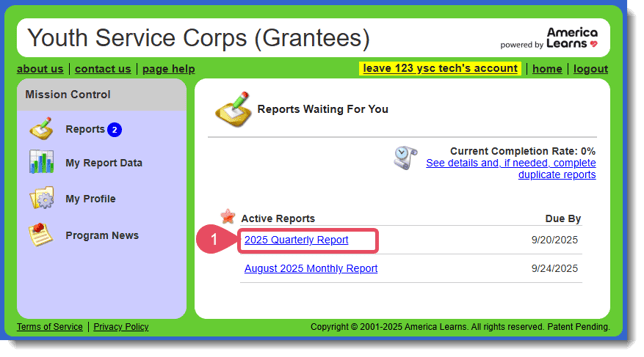
- On the right, find the Active Reports section and click the link for this quarter's report.
- When the report loads, select your Grantee name.
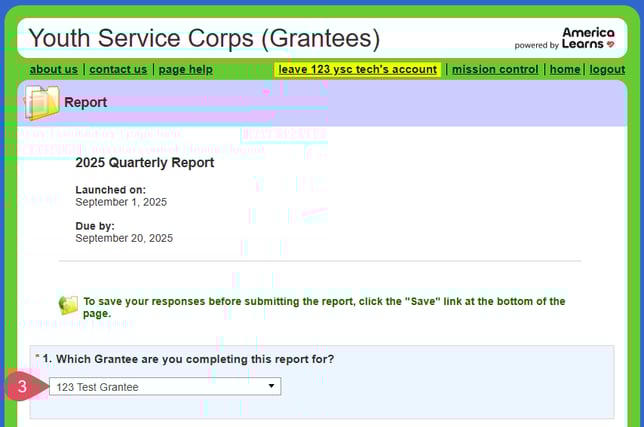
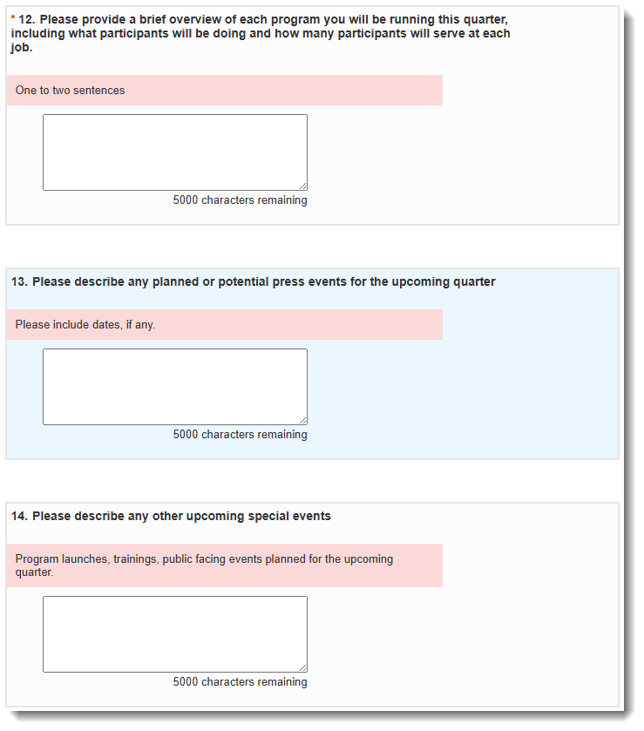
- Next, complete all required questions.
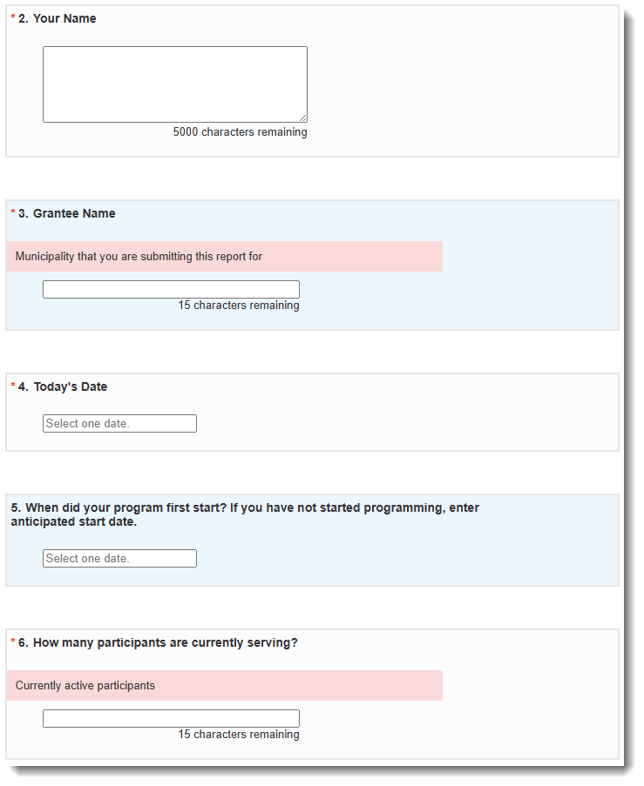
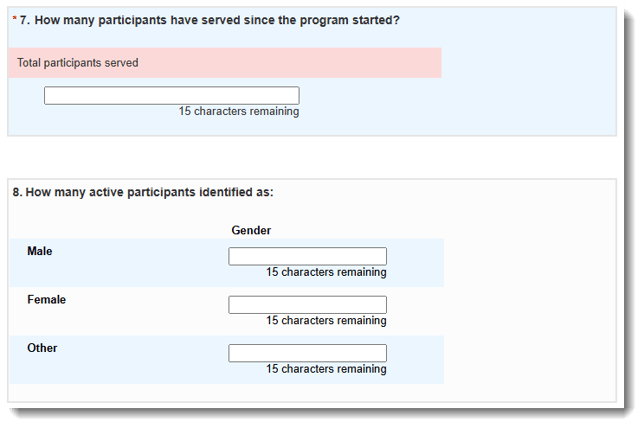
- Some questions might have display logic. After answering these questions, click the link "Click here to personalize you report based on this response." The page will refresh.

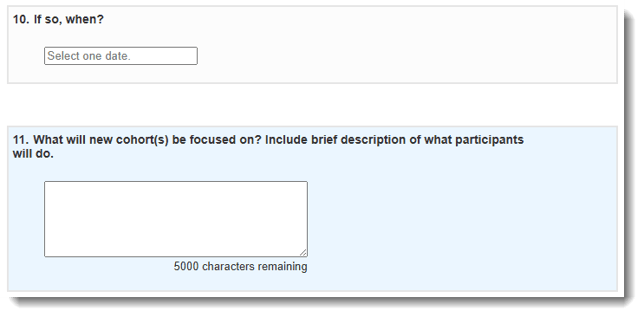
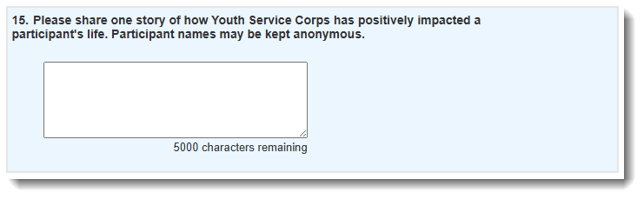
- Please answer every narrative question as fully as you can.
The information you share is incredibly valuable. It allows us to:
-
Shape programming so it meets the real needs of our communities.
-
Provide the right support to you and fellow grantees.
-
Tell the full story of the Youth Service Corps’ impact—showing funders, partners, and the public the difference you’re making every day.
-
What if I can't complete my report in one sitting?
No problem. You can save your report whenever you like by scrolling to the bottom of the report and clicking Save your responses and complete the report later. 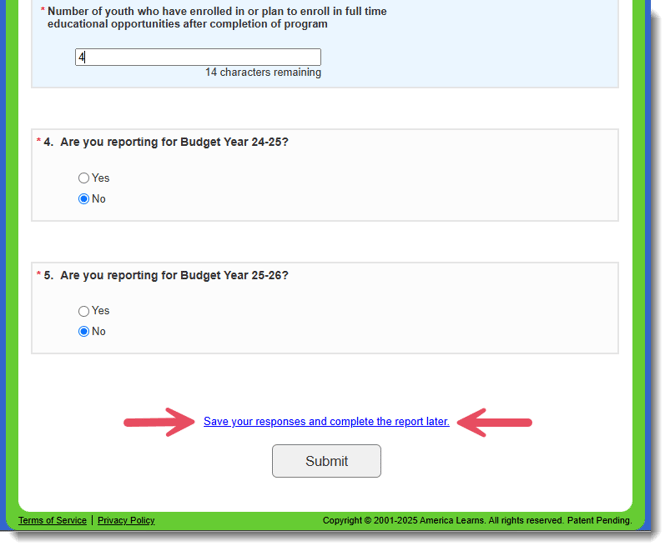
Will my report automatically save if I leave the Impact Suite?
No. You can save your report whenever you like by scrolling to the bottom of the report and clicking Save your responses and complete the report later. But, your data will not be saved if you navigate away without clicking the link.