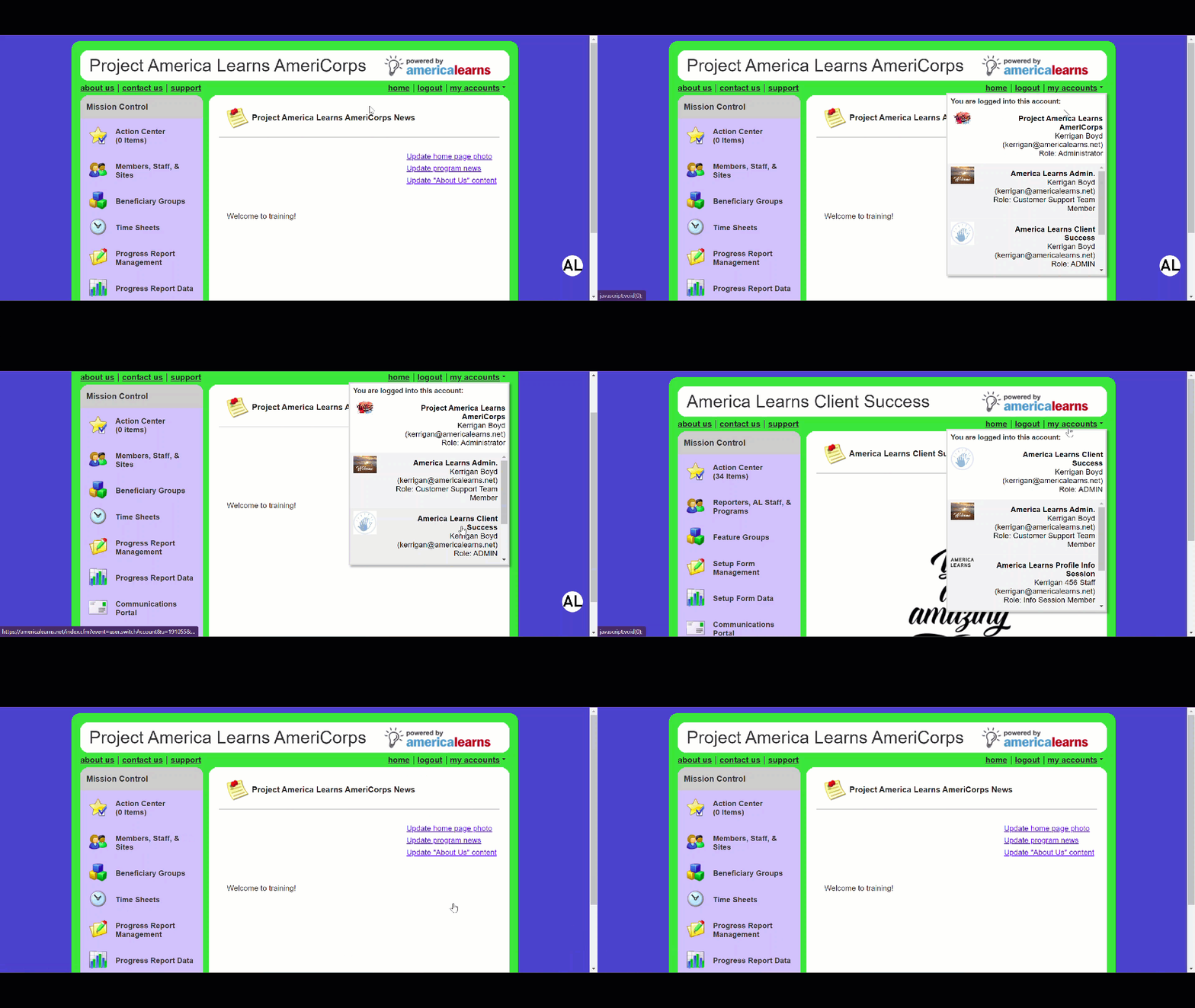
Having Accounts in One Impact Suite
It’s now incredibly easy to hop back-and-forth between your accounts. Log in once, and you’ll have access to everything you need.
There are three type of accounts within your Impact Suite:
- Administrator – There is only one Administrator per Impact Suite. This person’s account permissions are controlled by your America Learns support team.
- Program Admin – This account type is typically used by a reporter of your team (someone acting in a supervisory or management capacity).
- Reporter – This account type is typically owned by the reporters of your team who are reporting data into your Impact Suite.
When you have multiple accounts, when logging in, you’ll be asked which account you want to use.
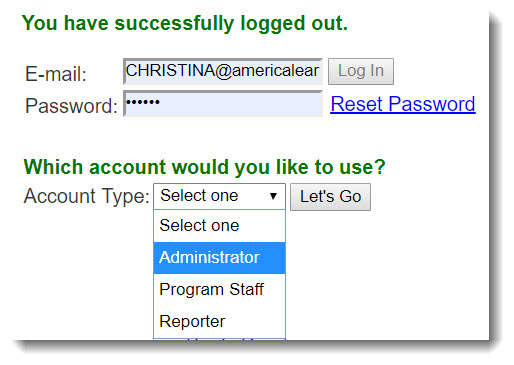 Once you’re logged in, you will be able to navigate between accounts using the my accounts drop-down feature, found here: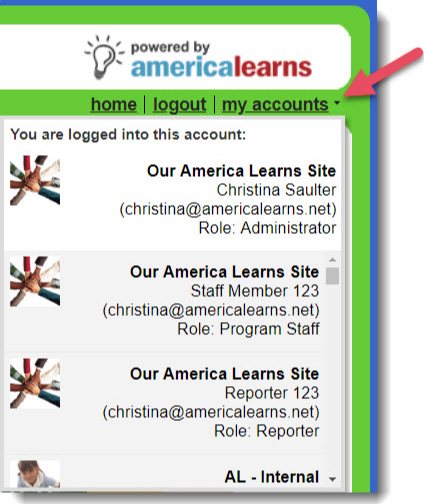
Having Accounts in more than One Impact Suite
If you have multiple accounts (using the same e-mail address) in different Impact Suites, the system will ask you to create one password for all of your accounts.
Once you create your unified password, you will be able to navigate between accounts using the my accounts drop-down feature, found here: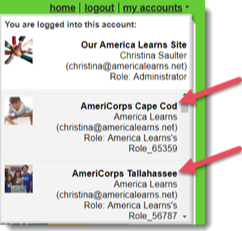
Video Support