Managing Forms
Once you’ve created a form, you’ll be taken to the Manage Forms page.
You can also navigate to this page from your mission control, like this:
- On the left, in your Mission Control, click Survey Management.
- On the right, click Manage forms.
If you would like to schedule the launch of your form, click Schedule a New Launch.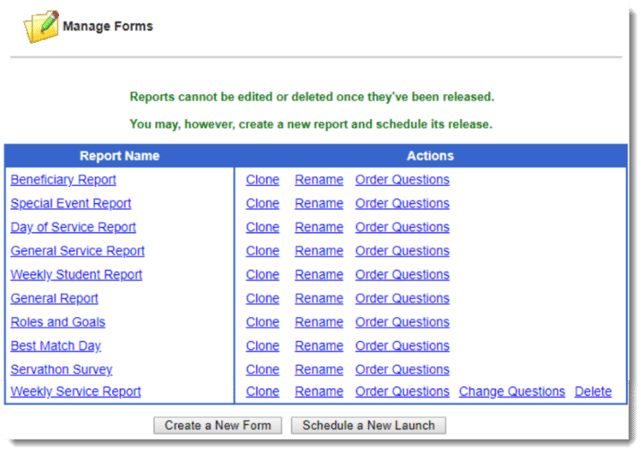 On this page, you’ll have several options for managing the forms you’ve created.
After any form is launched, you can: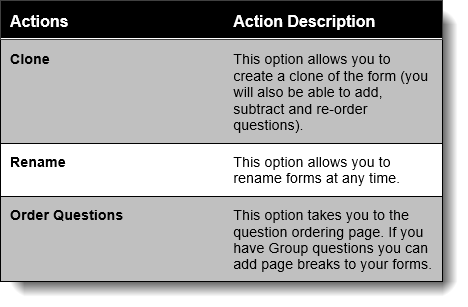
Before any form is launched, you can: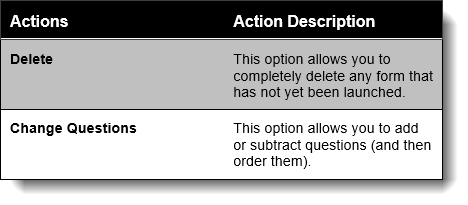
- Clicking on any form will allow you to view a preview of the form.
From here you’ll have the power to edit questions and see two different views of the form: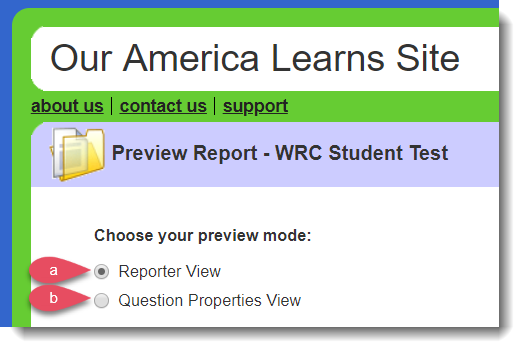
a. Reporter View, or
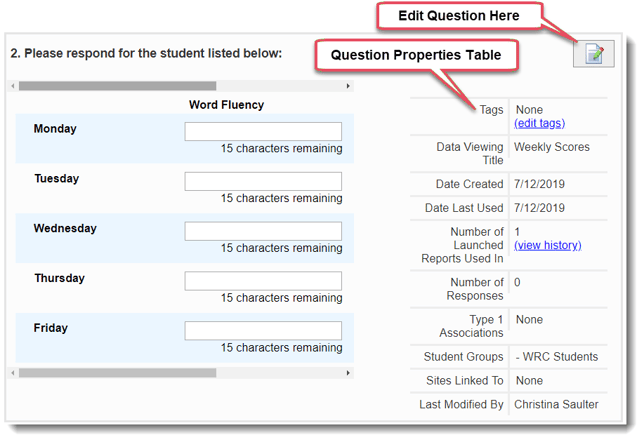
b. Question Properties View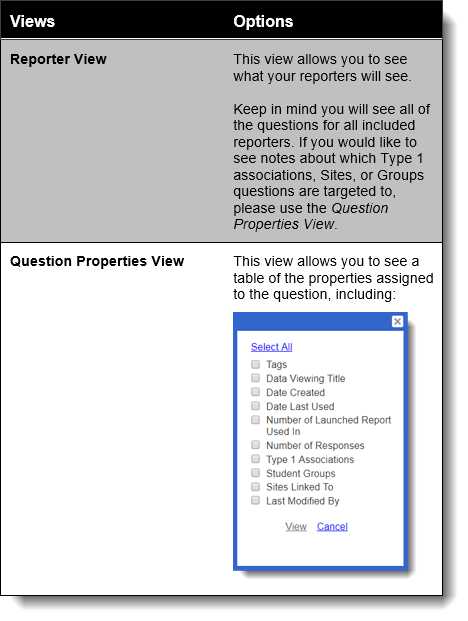
Here’s a sample of the Question Properties View in action: