
Manage Existing & Scheduled Launches
To access and update any launched or scheduled forms:
- On the left, in your Mission Control, click Survey Management.
- On the right, click Manage existing & scheduled launches.
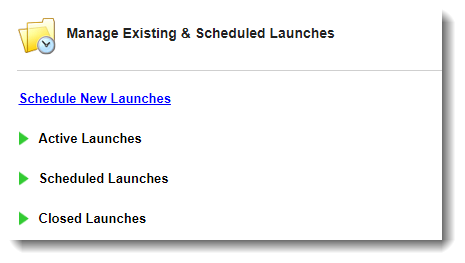
- You will see three panels that you can open and close by clicking on the green triangle:
- Active Launches
- Scheduled Launches, and
- Closed Launches.
For each panel you will be able to see:
- Form Name
- Included reporters
- Hyperlink
- Frequency (Launch Type)
- Launch Date
- Due Date
- Extension Period
- Actions (See below sections for more details.)