
Walkthrough
Exporting Timesheets to PDFs
Follow these steps:
-
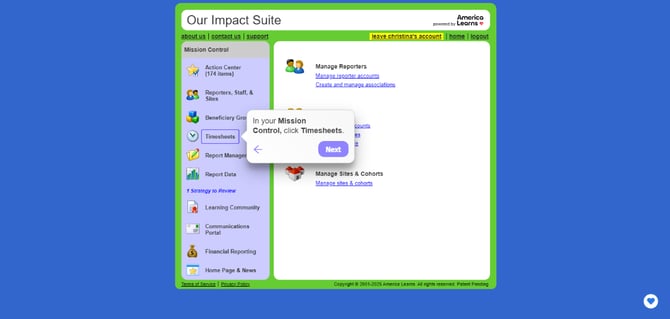
On the left, in your Mission Control, click Timesheets.
-
On the right, select View program-wide data or View site data.
-
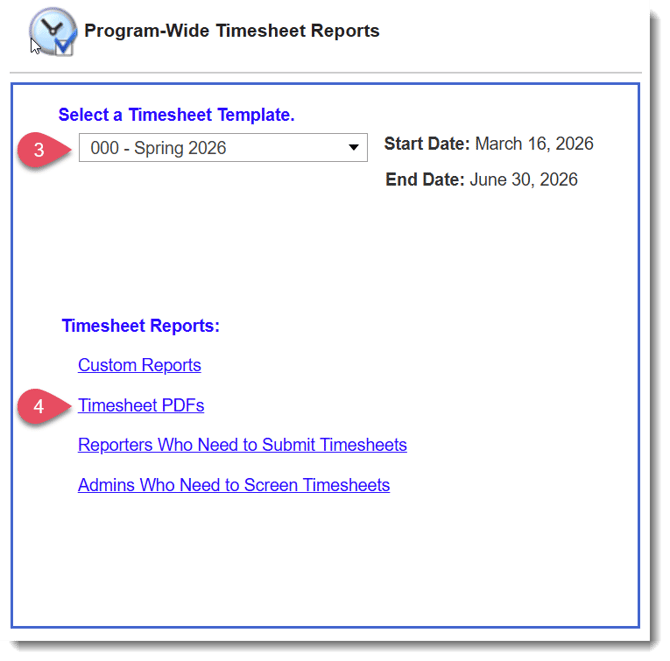
On the next page, choose the relevant Timesheet Template.
-
At the bottom of the page, select Timesheet PDFs.
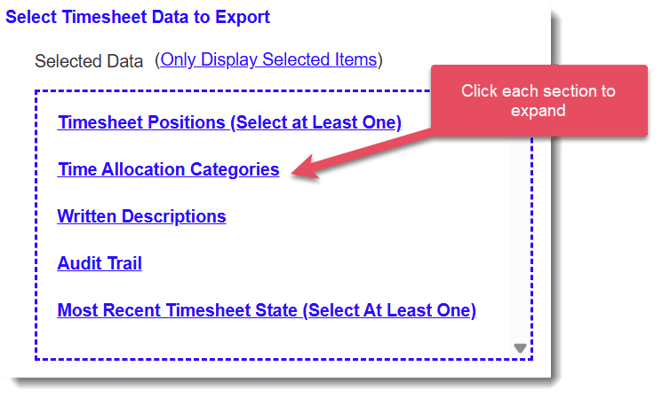
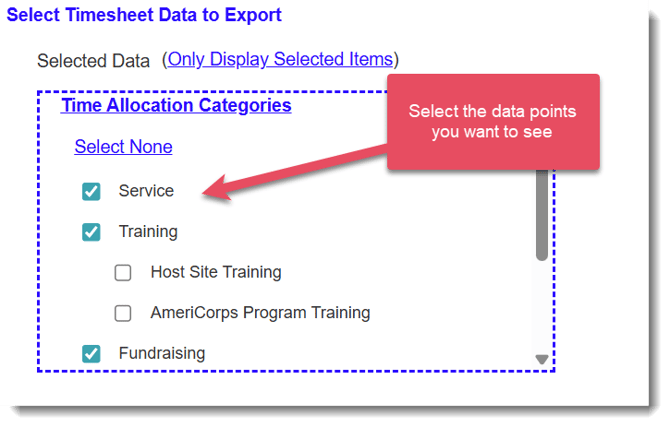
- On the next page, Select Data to Export. You can choose as many data points as you’d like.
- Under Reporter Selection, choose which reporters you’d like to include.

Your options are:- Include all relevant reporters.
- Select specific reporters.
- Include all relevant reporters.
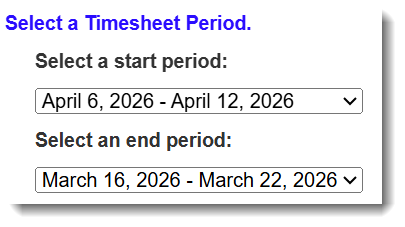
- Use the Select a Timesheet Period section to select the time period that the report should include.
- Choose your report format by clicking Export Full PDF or Export Condensced PDF.

- Export Full PDF - generates a long-form file that mirrors how a timesheet appears when it is submitted or reviewed.
- Export Condesnsced PDF - condenses each timesheet period onto a single PDF page.
- The Impact Suite will email a download link to you when the PDF file is ready.