
Exporting Timesheet Details across Program Years
Now you can easily export a limited Umbrella of timesheet details across program years to the same Excel workbook.
Here's how:
- On the left-hand side of your Mission Control, click Reporters, Admins, & Sites.
- On the right, click Manage reporter accounts.
- Towards the top-right, use the More drop-down menu to select Export Reporters.
- Choose how you’d like to organize your roster, then the right, click the Select Fields to Include button.
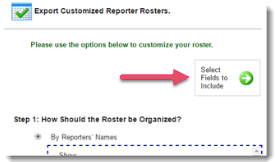
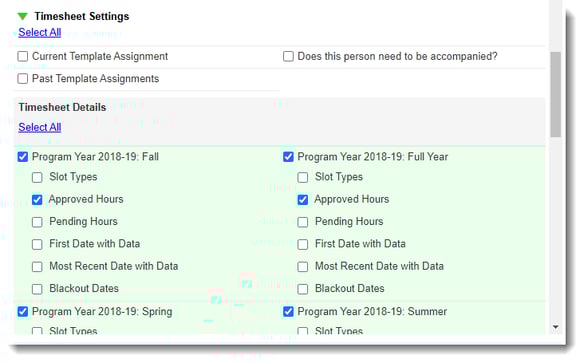
- Choose the timesheet template (Current or Past) setting fields you would like to include.
- Choose the timesheet setting fields you would like to include:
- Slot Types
- Approved Hours
- Pending Hours
- First Date with Data
- Most Recent Date with Data
- Blackout Dates
- Click the Export to Excel button:

- Download your report from the pop-up window. Be sure your web browser’s settings allow pop-ups from the americalearns.net domain.
- To view how to run filters on this data: see the expanded version of this article here.