Reordering Subcategories
- On the left, in your Mission Control, click Timesheets.
- On the right, click Create & manage timesheet templates.
- Near the bottom, select the template that you’d like to edit.
- Scroll to the section called Create Default Time Allocation Categories.
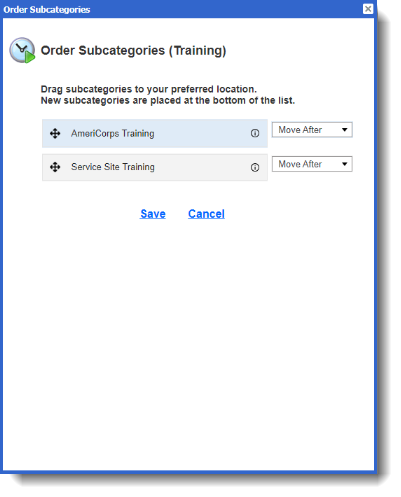
- To reorder Subcategories within a Category, click Order Subcategories.
When the pop-up window opens you can drag-and-drop your Subcategories or use the Move After drop-down menu to rearrange the order.