Now that you’ve decided on the number of groups (Groups of Identifiers) to create, it’s time to create them.
Walkthrough
Video Support
Creating a Group
-
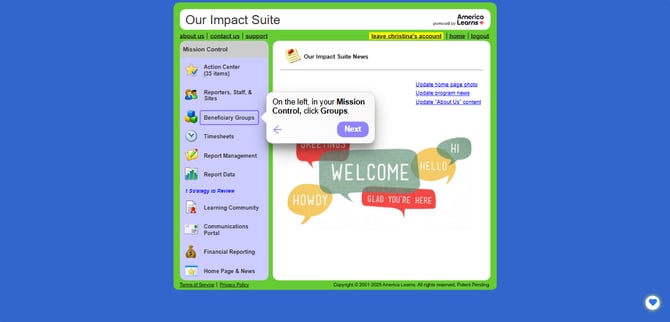
On the left, in your Mission Control, click Groups.
-
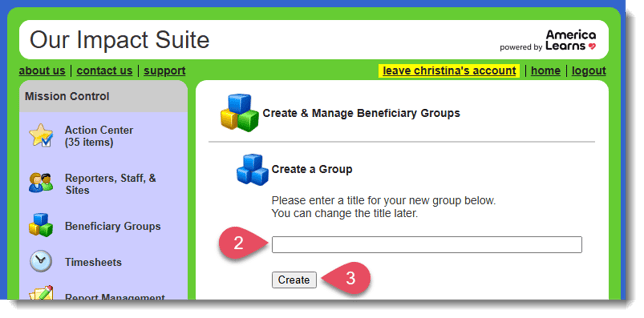
In the Create a Group section on the next page, enter a title for your Group, such as “Students”, “2020-21 Mentees”, or “Clients in [Program Name]”.
-
Click the Create button.
-
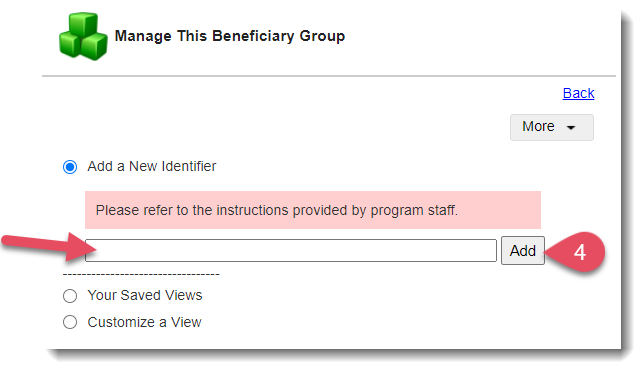
Once your Group is created select Add a New Identifier and add at least one test identifier (usually "123, Test").
This tells the system this group is ready to use.