Creating a Default "Time In"
A great way to reduce the number of clicks your reporters need to take to complete timesheets is to create a default "Time In" that aligns with the time the majority of your reporters start their day.
Here's how to do it:
- On the left, in your Mission Control, click Timesheets.
- On the right, click Create & manage timesheet templates.
- Select the template that you’d like to edit.
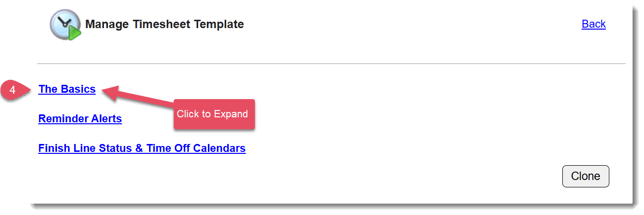
- Expand the section of the template called The Basics.
- Scroll to the panel called Default Daily "Time In" and click Edit.
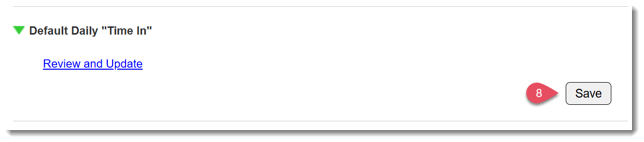
- Click the hyperlink to Review and Update.
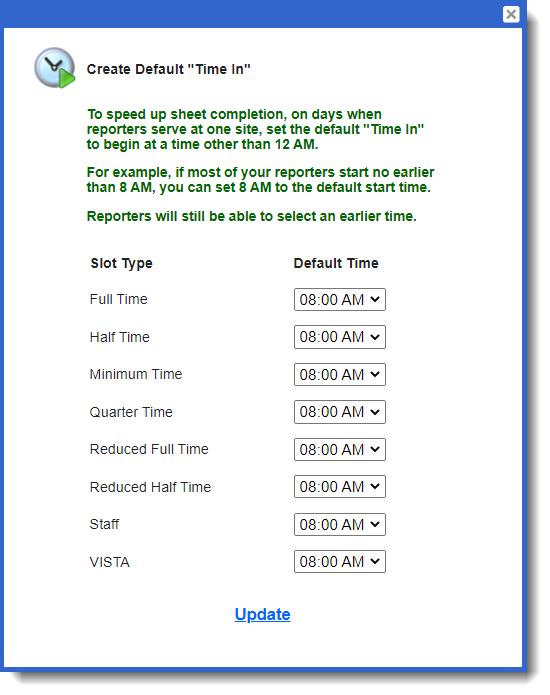
- Add an appropriate default "Time In" for each of your timesheet positions and click Update.
- Click Save in the panel