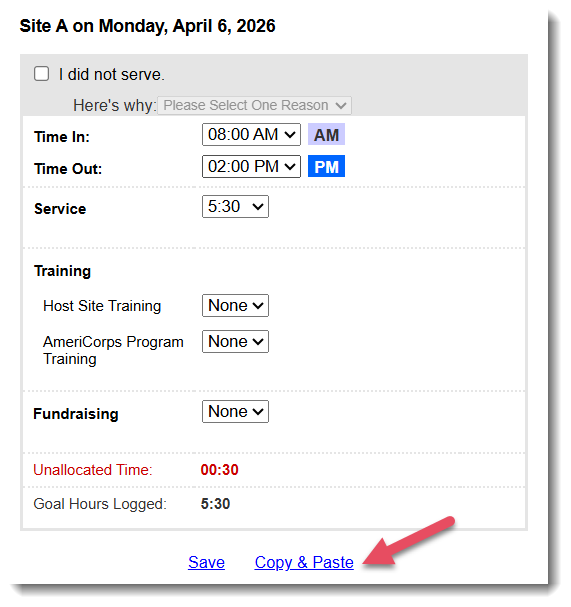
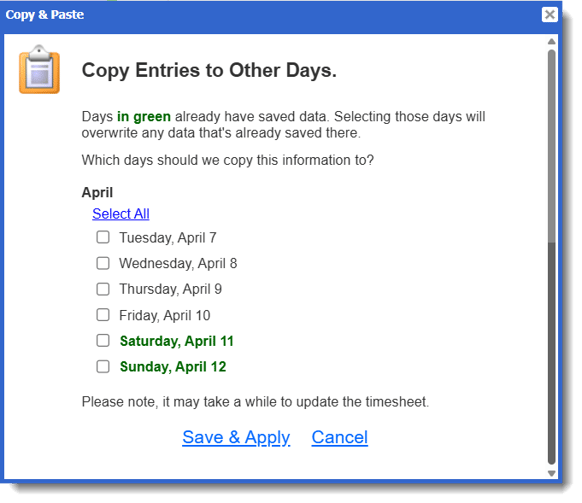
- On the left, in your Mission Control, click Timesheets.
- On the right, click Create & manage timesheet templates.
- At the bottom, select the template that you’d like to update.
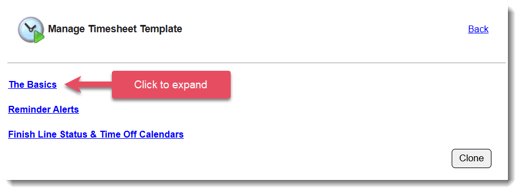
- Expand the section of the template called The Basics.
-
Locate the section titled Copy & Paste Feature
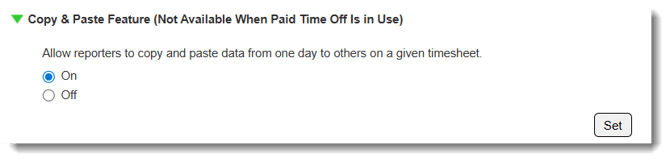
- Select On or Off, based on whether you'd like to allow reporters to easily copy information from one day to another on a single timesheet