
Walkthrough
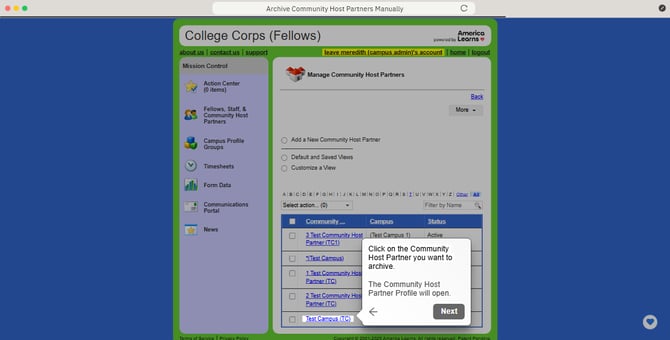
Archive Community Host Partners Manually
Follow these steps to archive them one-by-one:
- On the left, in your Mission Control, click Fellows, Staff, & Community Host Partners.
- On the right side, click Manage community host partners & campuses.
- Click on the Community Host Partner you want to archive.
- The Community Host Partner Profile will open.
- If the Community Host Partner has no timesheet data, you will see the icon to delete it, otherwise, you will only see the option to archive it.
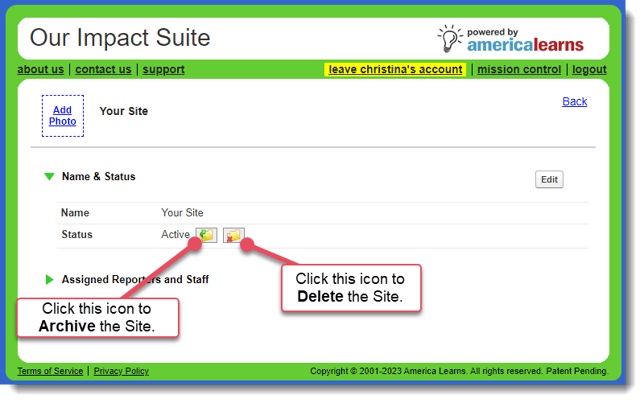
If there is a delete option, feel free to use it! This means there is no data connected to this Community Host Partner site.