Walkthrough
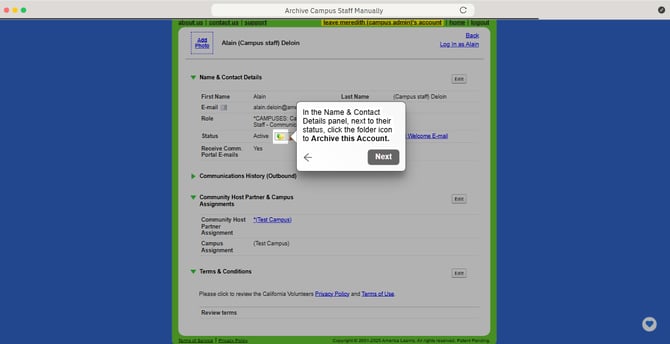
Archive Campus Staff Manually
Here's how to archive each campus staff member individually, from within their profile.
- On the left, in your Mission Control, click Fellows, Staff, & Community Host Partners.
- Under the Manage Staff section, click Manage staff accounts.
- Scroll through the list of staff members until you find the campus staff you wish to archive. You can also use the "Filter by name" box at the top right of the staff list and search for that staff person's name.
- Click on the name of the staff person you would like to archive.
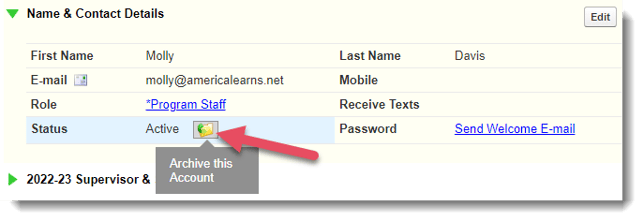
- In the Name & Contact Details panel, next to their status, click the folder icon to Archive this Account.
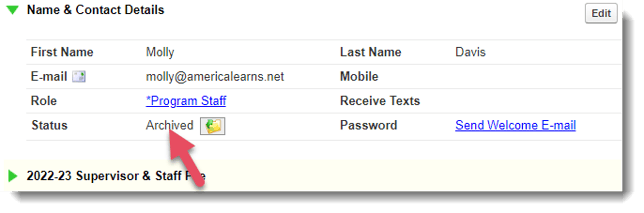
- The staff member's status will now indicate they are Archived.