
.png?width=205&height=42&name=Back%20to%20Checklist%20(FINAL).png)
Walkthrough
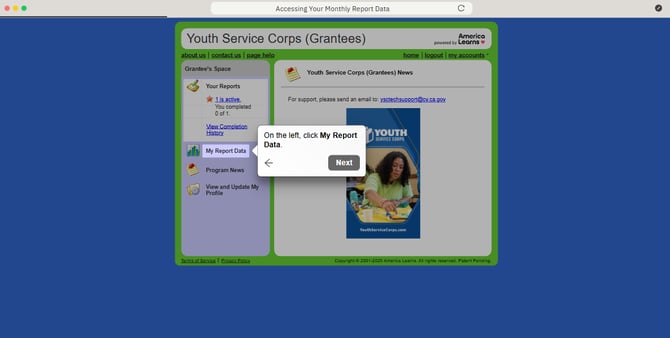
Accessing Your Monthly & Quarterly Report Data
After completing at least one monthly or quarterly report, you'll be able to access your report data. Here are the steps.
- On the left, click My Report Data.
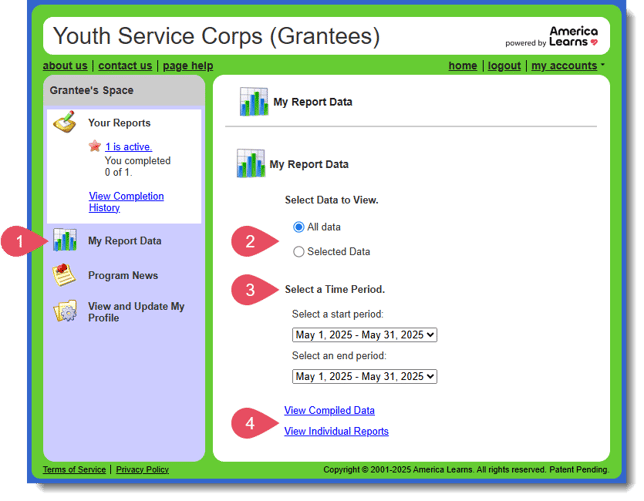
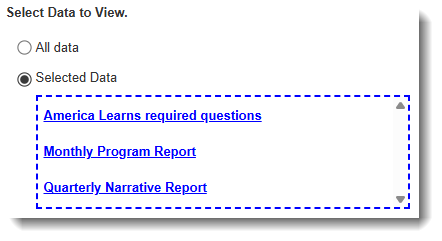
- On the right, Select Data to View. Your options are:
- All data - Include all of the data for all questions you have answered.
- Selected Data - Choose select data-points to review.
- Next, Select a Time Period by selecting both a start and end period.
- Finally, choose how view your data. Your options are:
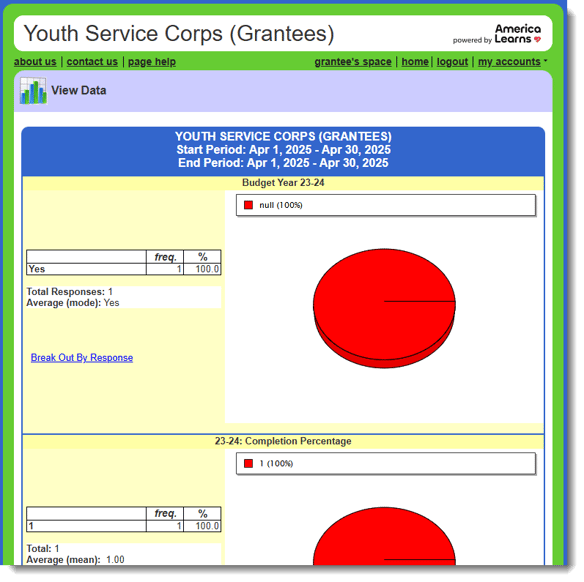
- View Compiled Data - A cumulative view with charts and graphs of the selected data-points and your answers.
- View Individual Reports - A report-by-report view of the selected data-points and your answers.
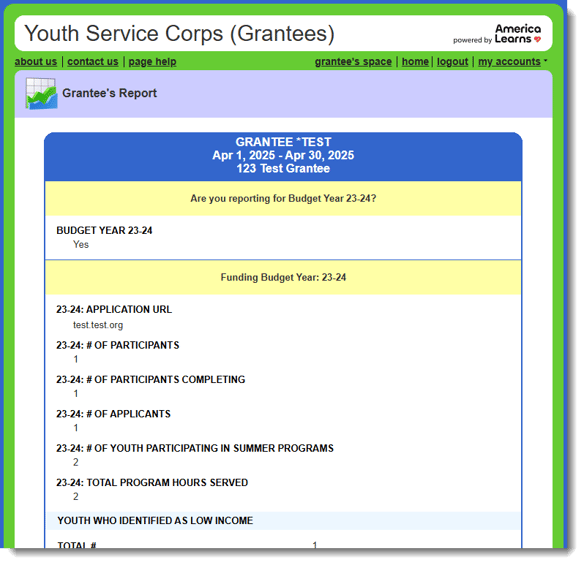
- View Compiled Data - A cumulative view with charts and graphs of the selected data-points and your answers.