
The Super Umbrella Account
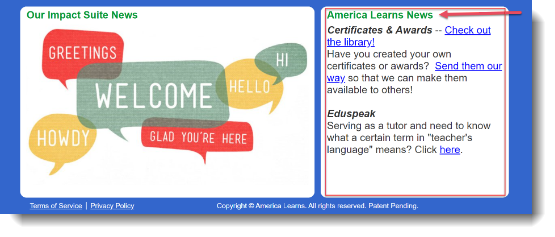
If you have a Super Umbrella Account, you can update the news box on the right-hand side of your site's homepage.
- Log in to your account.
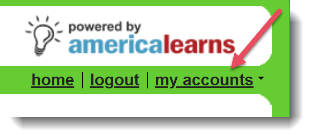
- From the My Accounts drop down menu, select the account where your role is Super Umbrella Manager.
- Your program's Admin screen will appear. On the right, in the Support Systems section, choose Communicate with Users.
- On the right, click Update "America Learns SU News".
- Make any additions in the text field and click Update Content to save your changes.