Two Impact Suites, Three Accounts, One Password
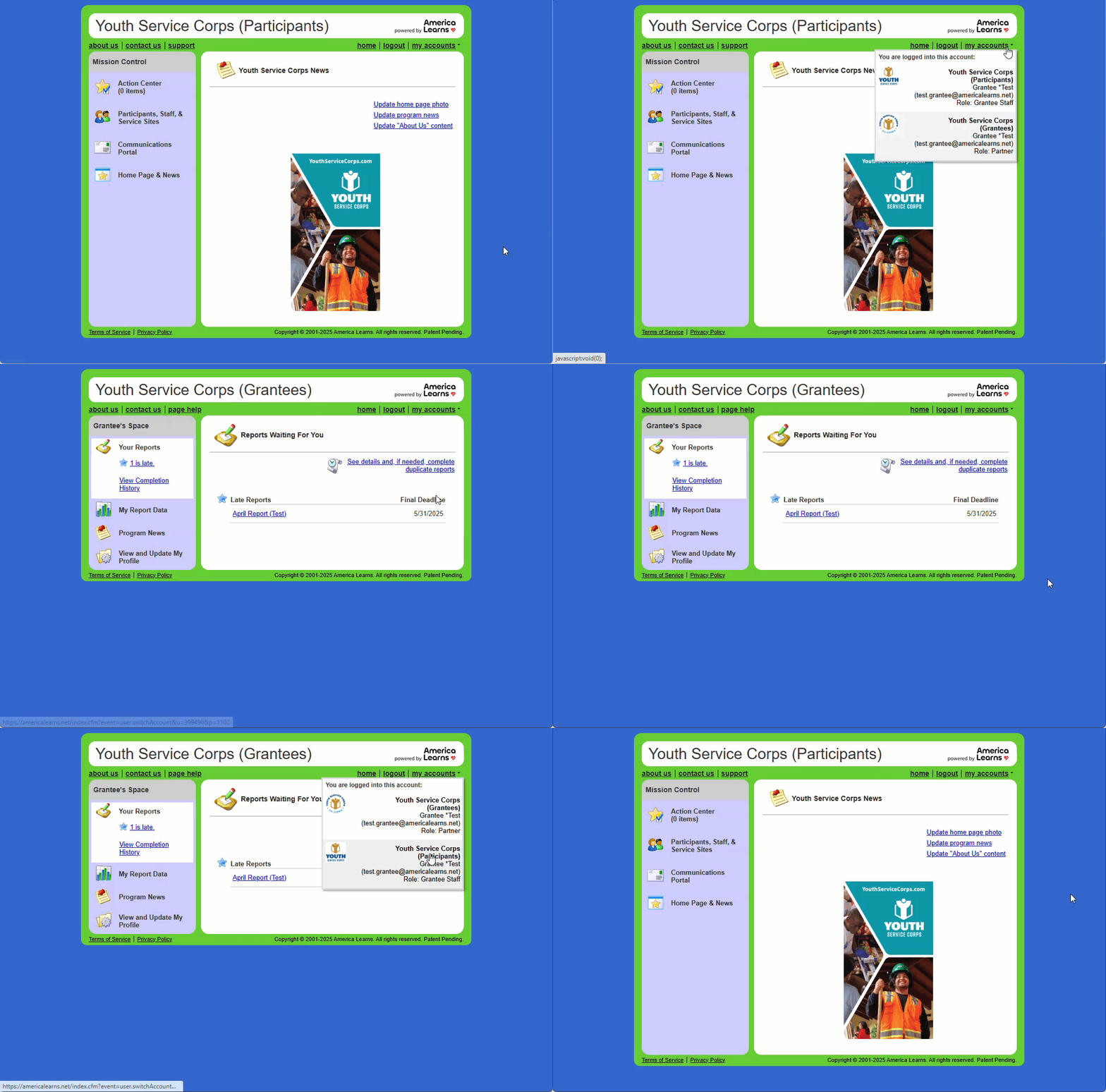
Youth Service Corps uses two different Impact Suites to support your work: Youth Service Corps (Participants) and Youth Service Corps (Grantees). You’ll have different types of accounts in each suite, each with its unique purpose.
- In the Youth Service Corps (Participants) Impact Suite, you’ll have a staff-level account (Role: Grantee Staff). This account allows you to enroll, edit, and archive participants; create and manage service sites; enroll service site admins; and run reports.
- In the Youth Service Corps (Grantees) Impact Suite, you’ll have a reporter-level account (Role: Partner) to complete monthly grant activity reports organized by funding budget year.
- In the Youth Service Corps (Grantees) Impact Suite, you’ll have a staff-level account (Role: Grantee Staff) to export your monthly grant activity report data to Excel.
Even though you’ll have three separate accounts, you’ll only need to remember one password—it works for all of your accounts.
Once your password is set, you’ll have three easy ways to access your accounts. This article will walk you through each option.
General Login Page
- Log in anytime using the general login page.
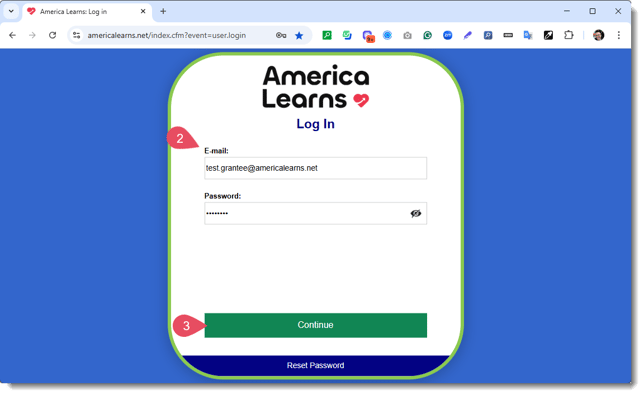
- Enter your E-mail and Password.
- Click Continue.
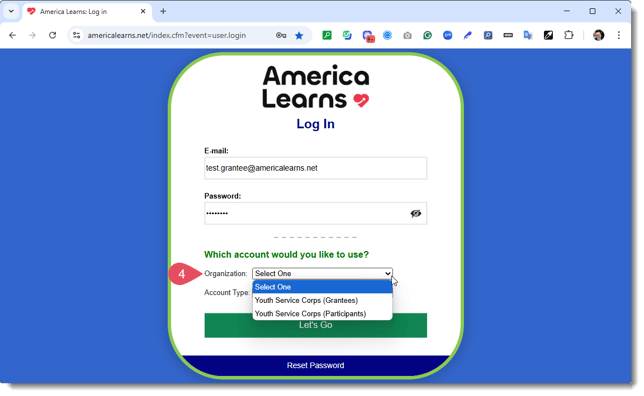
- Select your Organization.
- Select your Account Type.
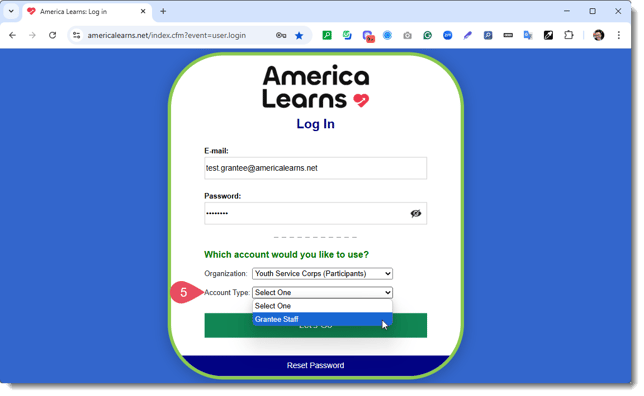
- Click Let's Go.
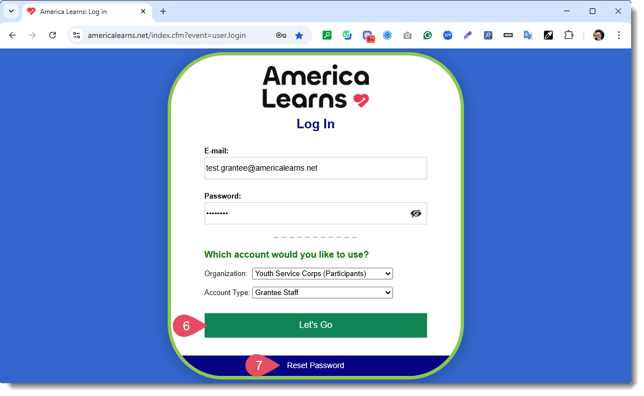
- If you forget your password or need to change it, simply click Reset Password. You will receive an email from the system with instructions on creating a new password.
Your Homepages
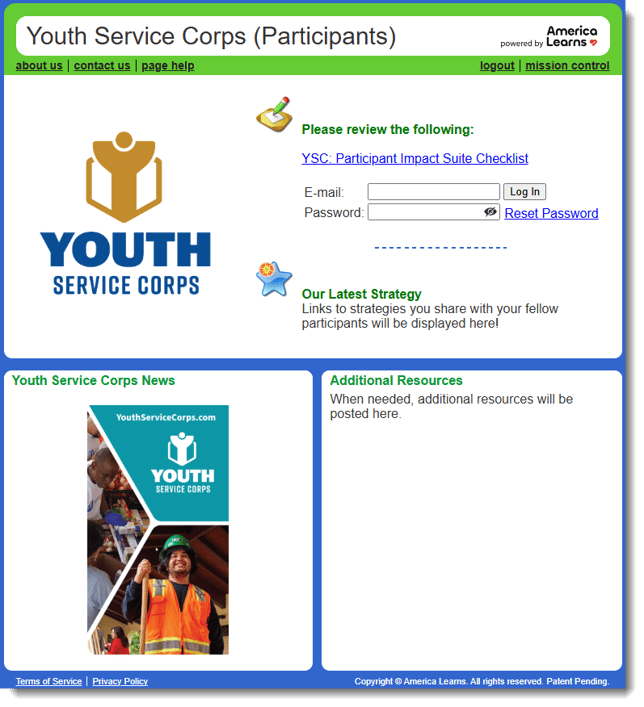
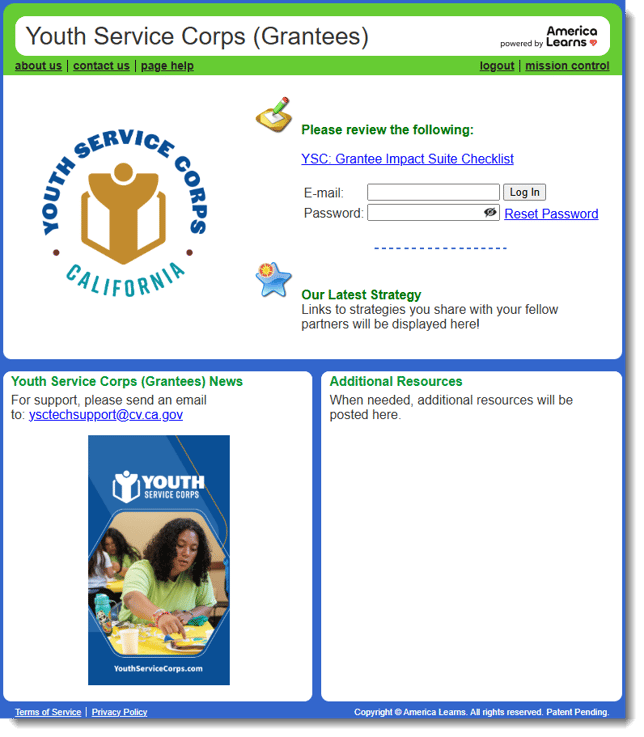
You can also access your Impact Suites through your homepages, found here:
Toggling Between Accounts
Once logged in to either Impact Suite you can toggle between accounts using the My Accounts drop-down menu on the top-right.